Showing posts with label Samsung S3850 Corby II. Show all posts
Showing posts with label Samsung S3850 Corby II. Show all posts
Sunday, September 1, 2013


Thursday, June 27, 2013
Samsung S3850 Problem No Power / Deadboot done
S3850 DEADBOOT DONE BY RIFF BOX
HISTORY---NA LOWBAT LNG DAW SAB NG MAY ARI
ACTION TAKEN---DOWNLOAD MODE KO BAKASAKALI PRO AYAW EH..KAYA DEADBOOT NATO
---CONNECT AGAD RIFF BOX AND SOLDER PINOUTS
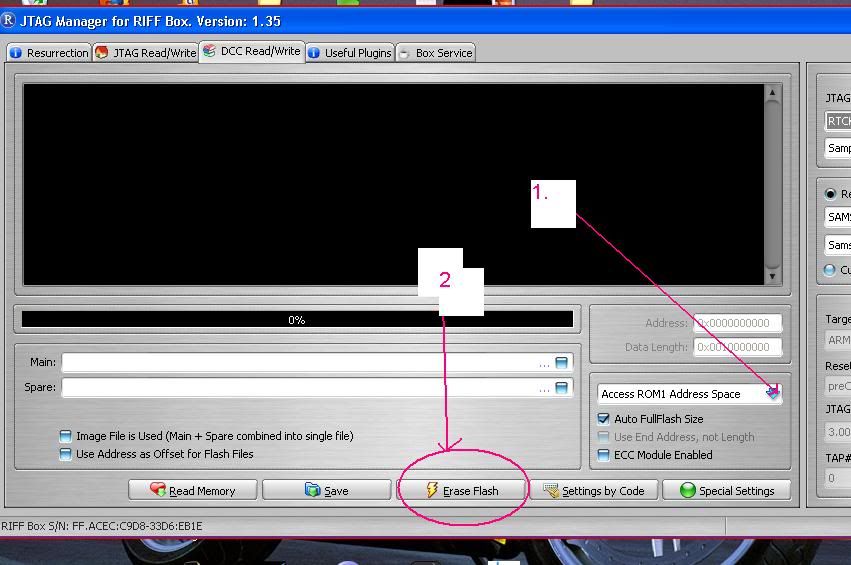
---BUT B4 HIT RESURRECTION JUST ERASE FLASH FIRST TO AVOID ERRORS

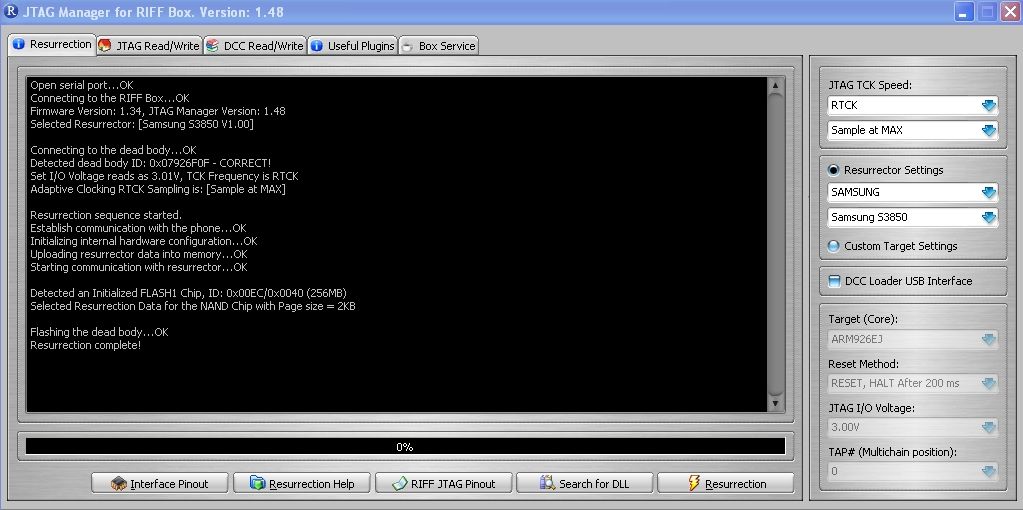
AFTER ERASING HIT RESSURECTION

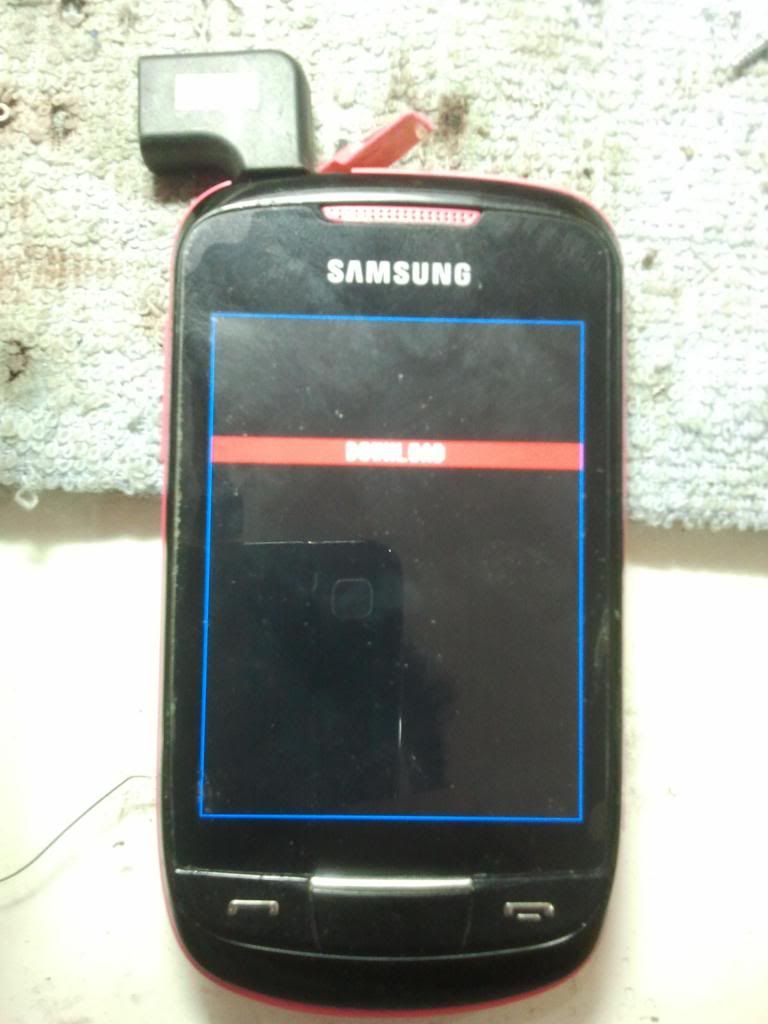
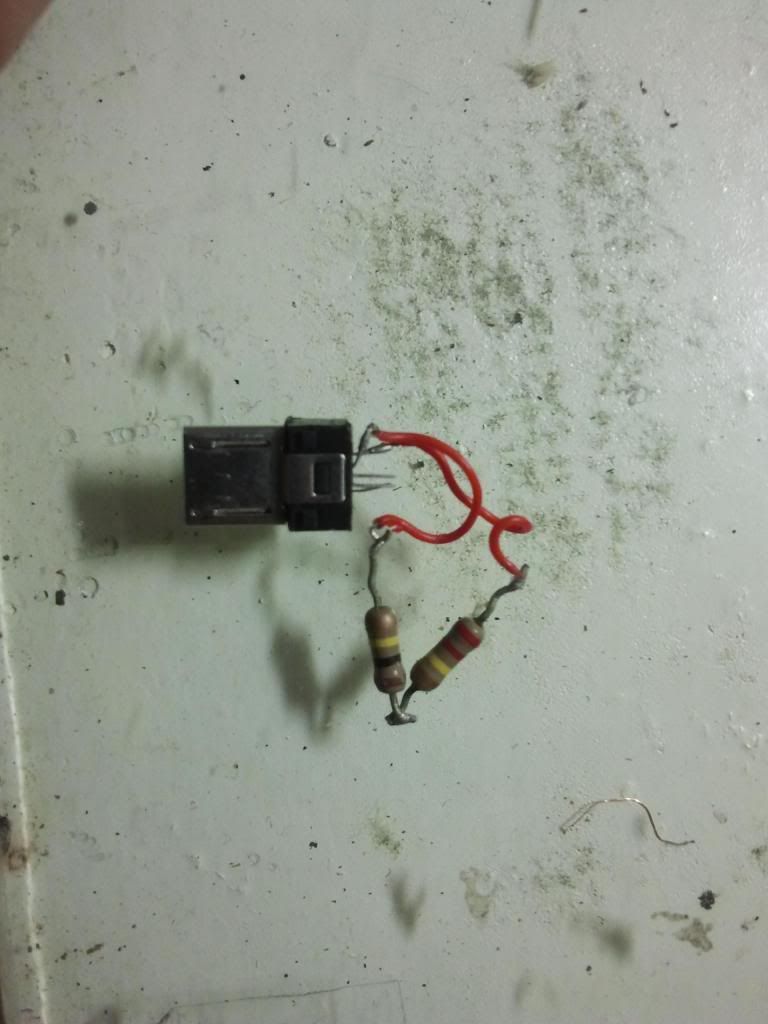
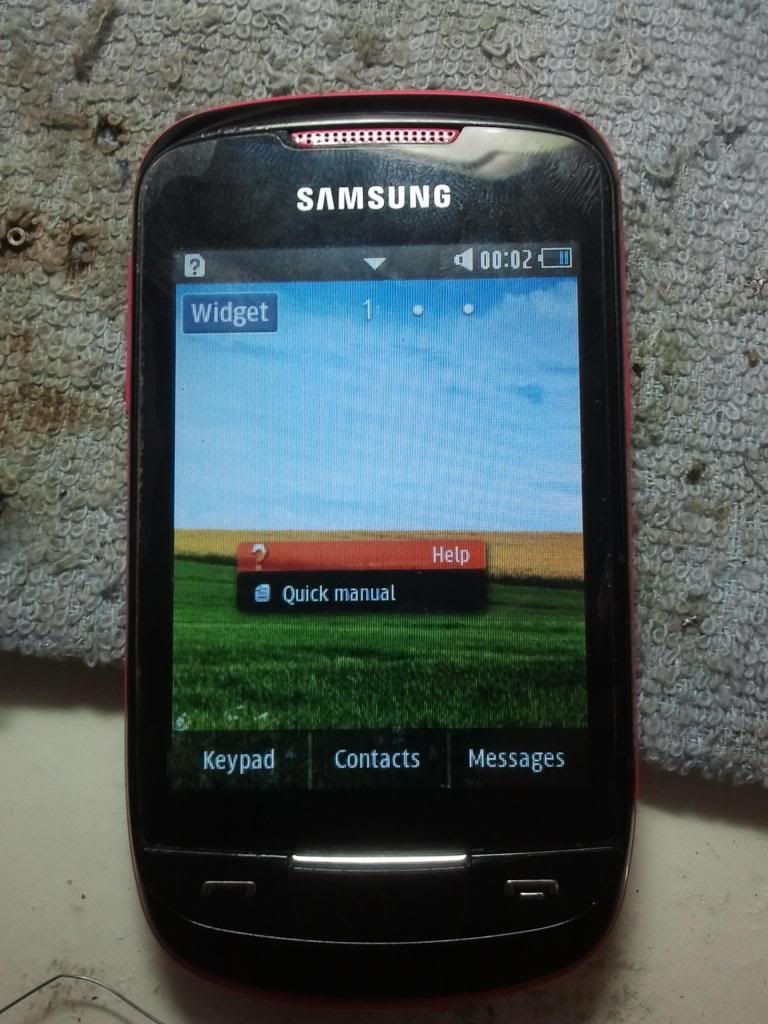
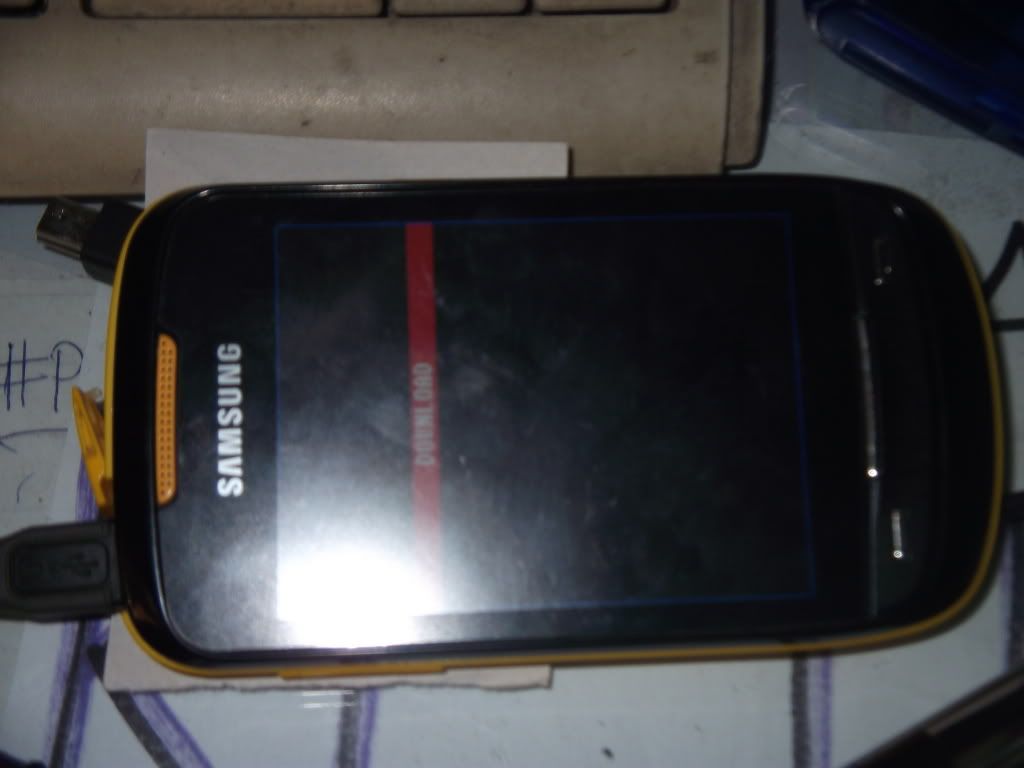
NOW ASSEMBLE UNIT AND FLASH SA MULTILOADER BUT THE PROBLEM IS AYAW MA BOOTMODE..IBA'T IBANG COMBINATION NA ANG GINAMIT KO PARA MA DOWNLOAD MODE CYA TALAGANG AYAW...SUCCES NAMAN REPAIR KO SA RIFF, MAY POWER NA UNG UNIT D LANG MA DOWNLOAD MODE....KAYA NAISIPAN KO E APPLY UNG FORCE BOOT MODE PARA SA I9000...AT AYON NAG DOWNLOAD MODE NARIN

I USE 2 RESISTORS 220K N 100K...BALI SERIES KO NALANG PO UNG DALAWA

FINISH NAPO

Saturday, May 19, 2012
samsung corby S3850 unlock done!!
Samsung Corby S3850 unlock done in 4 step's!!
look at the sceenshoot's :
ito yung 4 simple step's,

ito na po unlock na sya sinsya napo kung hindi ko nakunan yung pag enter ng codes.


dial to 112 kung ok!ba...ok naman
look at the sceenshoot's :
ito yung 4 simple step's,

ito na po unlock na sya sinsya napo kung hindi ko nakunan yung pag enter ng codes.


dial to 112 kung ok!ba...ok naman
Wednesday, March 21, 2012
 )
)


Wednesday, February 29, 2012
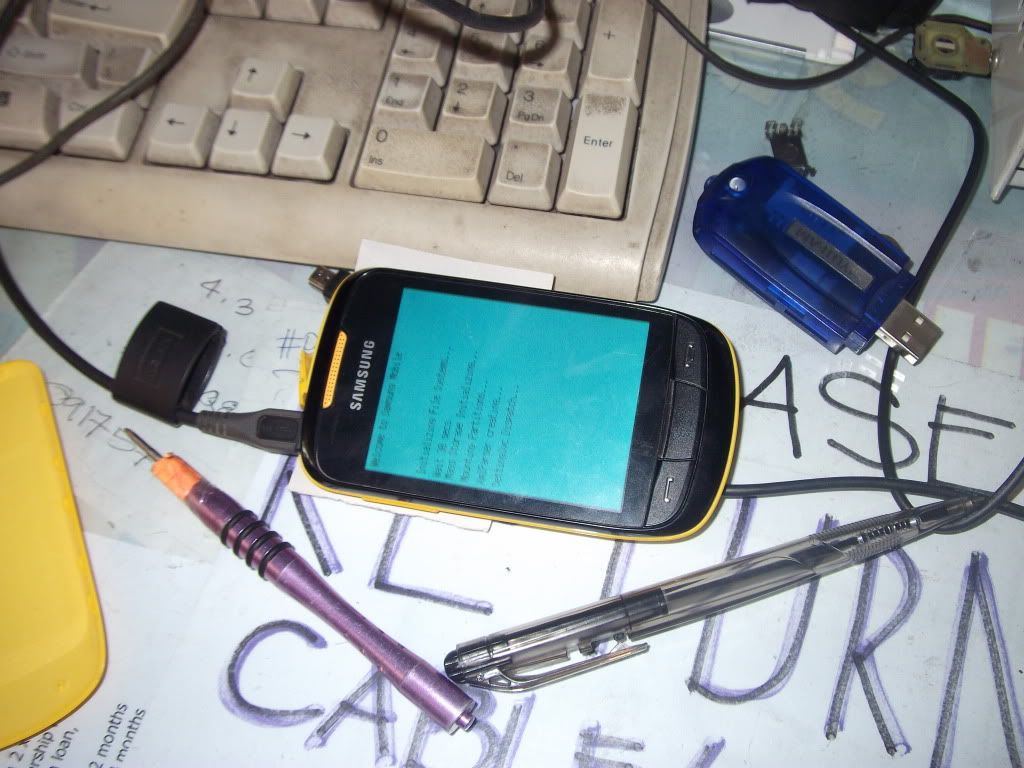
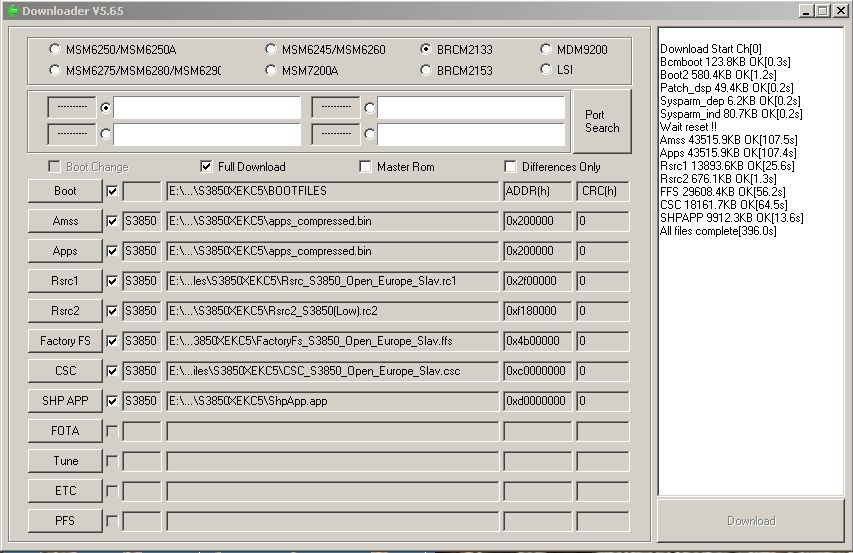
Samsung S3850 logo hang done via multiloader
Samsung S3850 logo hang done via multiloader
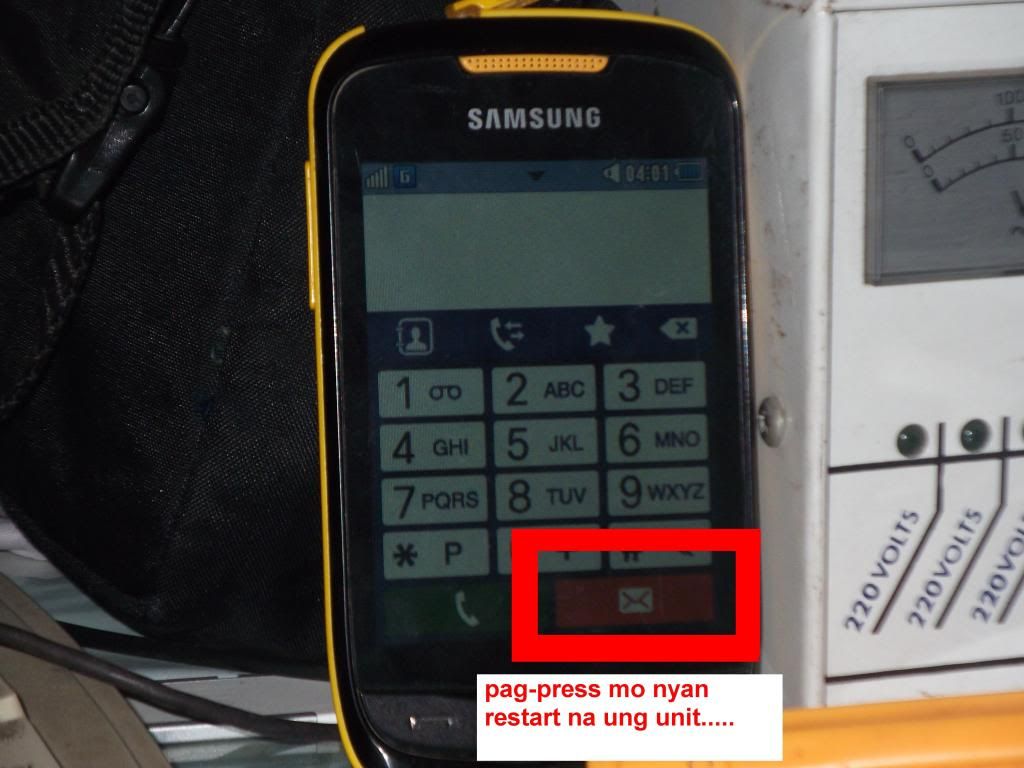
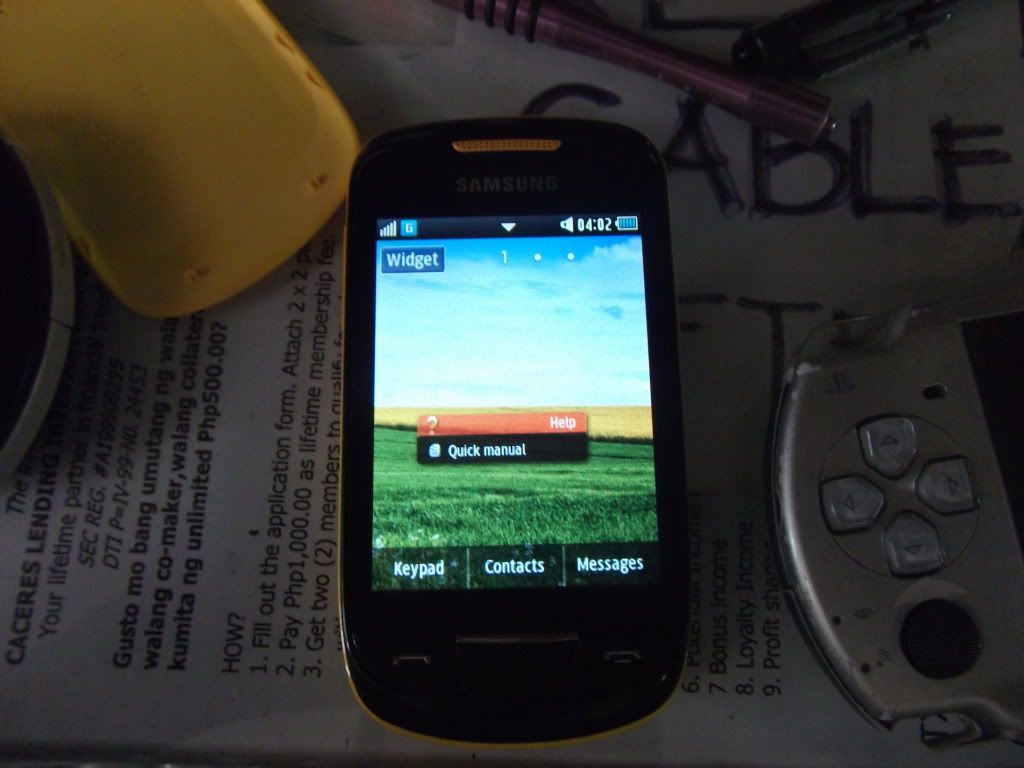
eto po sya at nagbiblink pa

tools:
micro usb
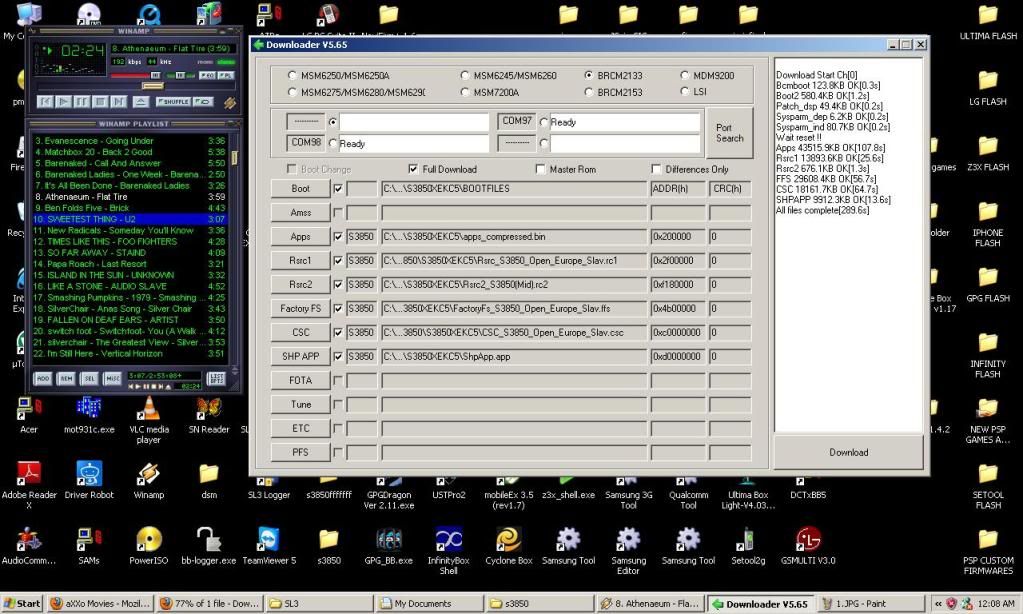
multiloader v5.65
procedure:
1.open multiloader
2.hold volume up+home+power on[eto po yung lalabas]

3.insert flash file
4.insert micro usb
5.automatic po sya magdetect ng com[ready]
6.then click download


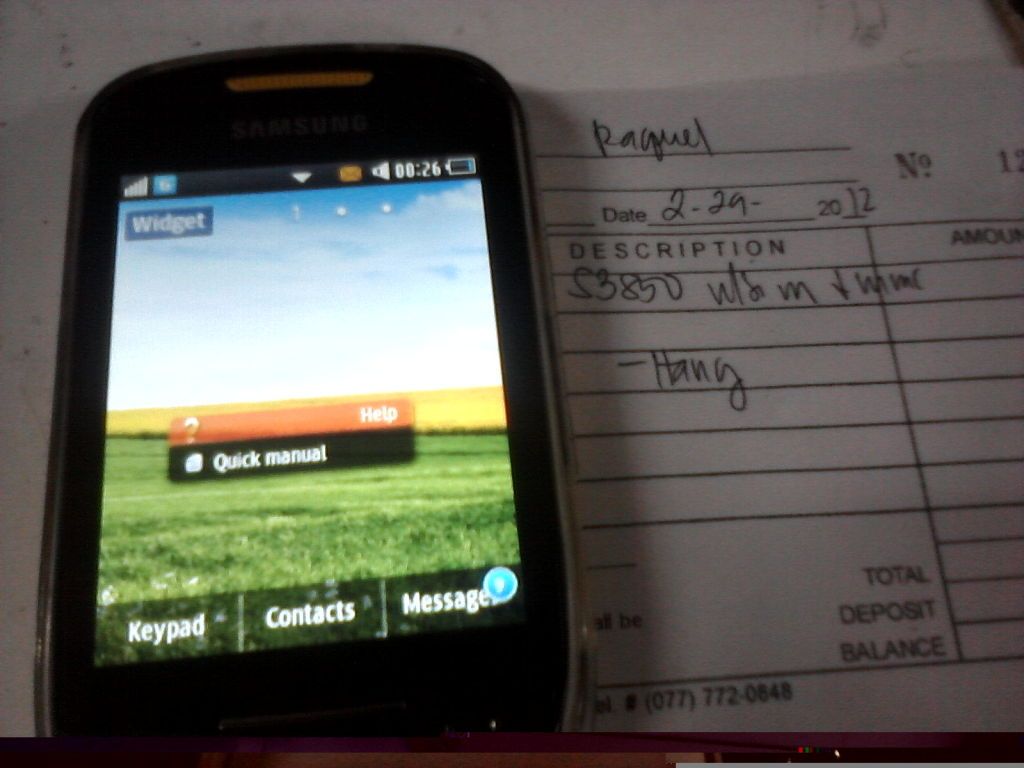
ayan done na po hintayin na lang pong magreboot yung phone

eto po sya at nagbiblink pa
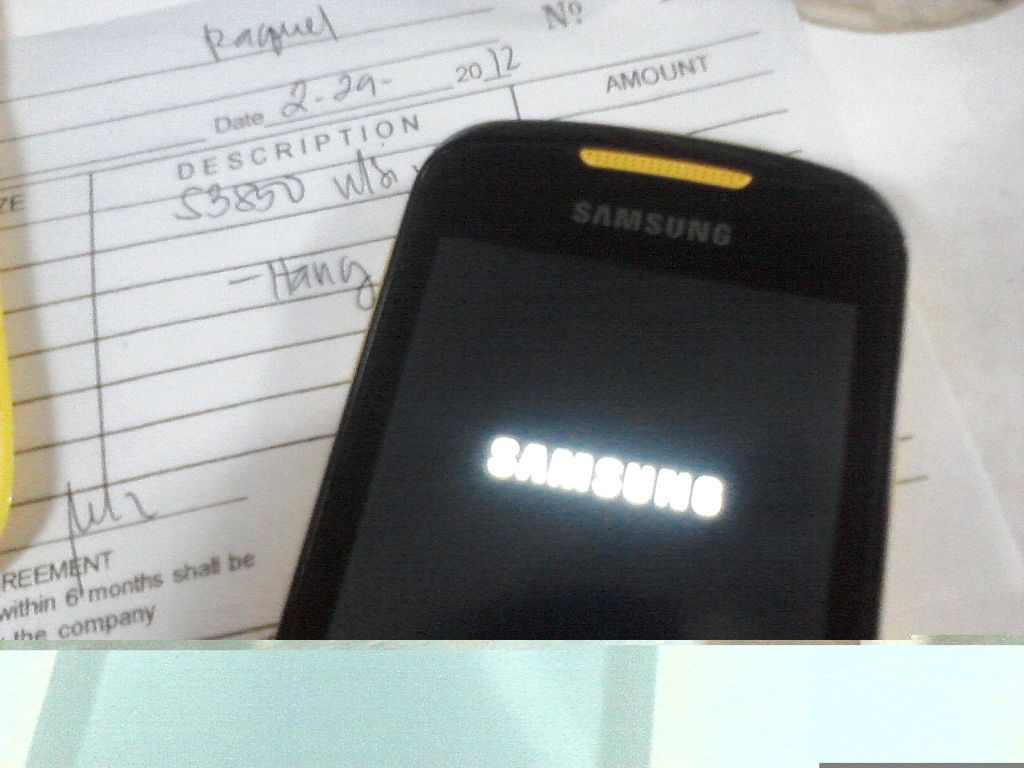
tools:
micro usb
multiloader v5.65
procedure:
1.open multiloader
2.hold volume up+home+power on[eto po yung lalabas]
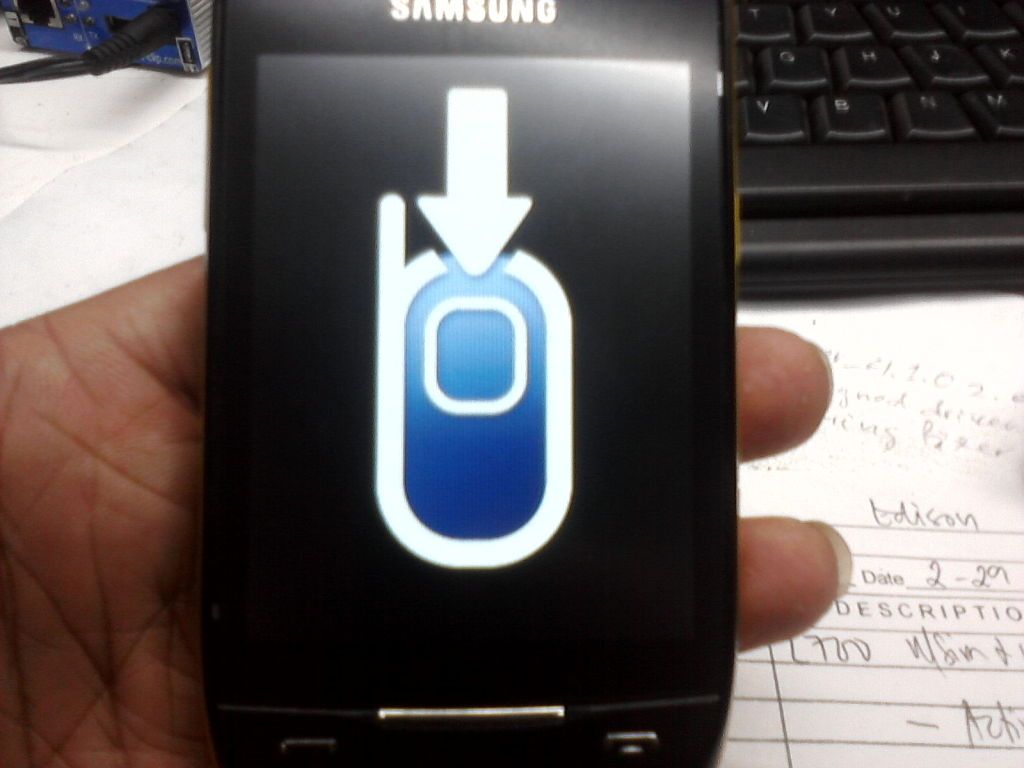
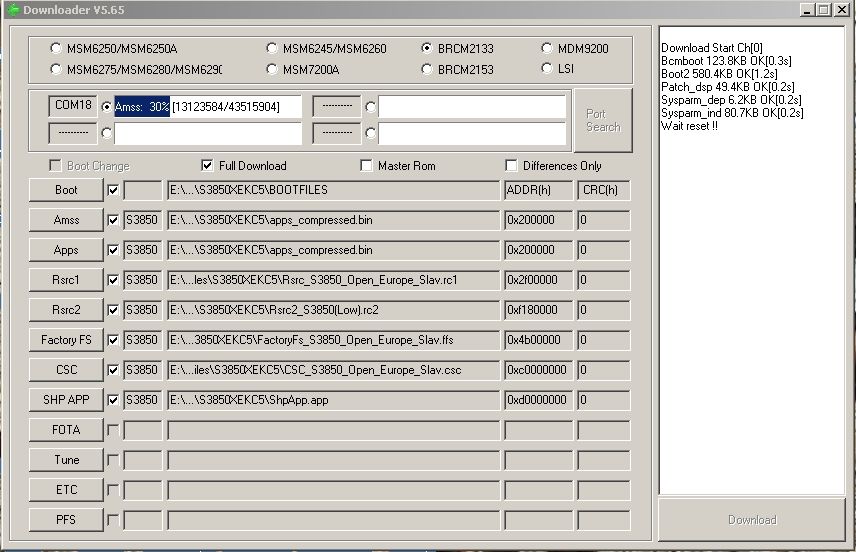
3.insert flash file
4.insert micro usb
5.automatic po sya magdetect ng com[ready]
6.then click download
 |
|
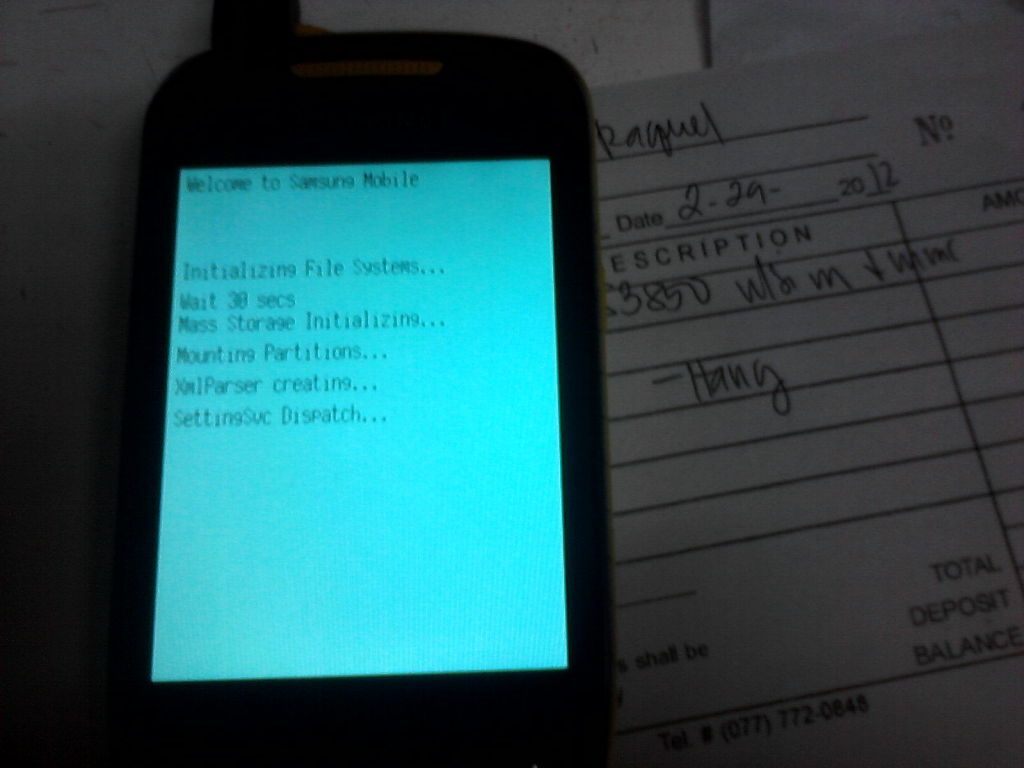
ayan done na po hintayin na lang pong magreboot yung phone
|
Monday, February 13, 2012
Samsung S3850 corby II when you enter lockcode restart solve.
S3850 corby II when you enter lockcode restart solve.
unit:S3850 corby 2 Samsung
problem
pag enter ng lockcode restart ang unit
tools
multiloader
usb cable pang 5130
action
open multiloader 6.65
load flash file aveilable at support area
connect phone to pc via usb cable
instal driver if needed phone detecetted com
click Download
wait hanggang matapos ang process
done


Friday, February 10, 2012
Samsung S3850 corby2 logo hang done via multiloader
TOOLS
usb 5310xpress
MultiLoader v.5.65 http://www.4shared.com/rar/Y62oIPmp/...ader_v565_.htm
PROCEDURE:
open MultiLoader v.5.65
select flashfile
hold VOLUME DOWN + HOME + POWER ON switch
then insert usb BOOT MODE


finish


usb 5310xpress
MultiLoader v.5.65 http://www.4shared.com/rar/Y62oIPmp/...ader_v565_.htm
PROCEDURE:
open MultiLoader v.5.65
select flashfile
hold VOLUME DOWN + HOME + POWER ON switch
then insert usb BOOT MODE
|

|
finish
|
|
Sunday, January 22, 2012


Wednesday, January 4, 2012






Wednesday, December 14, 2011
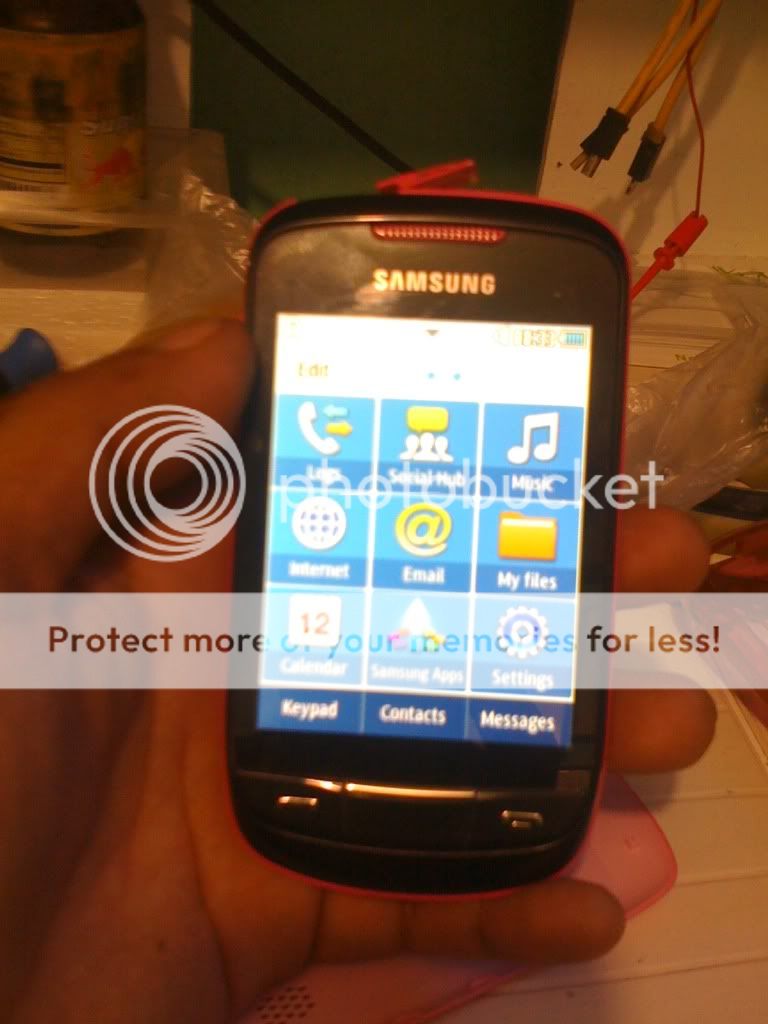
Samsung S3850 Unlock DONE by Z3x
Tool's:
* z3x box
* micro usb cable
* kies - driver
Procedure
* Connect cable ( Phone Must be Power On )
* Open z3x shell select correct model then click run
* select Com Port
* click Read Info [Codes]
* Done.....
How To Enter Code
* turn on the phone
* Enter network code
* Done
network lock

Selected model: S3850
Selected com port: COM8
Selected speed port: 921600
Phone must be ON
Search modem ... OK
Search modem on:COM13
Model: GT-S3850
CountryCode: OPENاâ
Factory SW: S3850DXKC3_OLBKC3
UniqueNumber: 84020000054596
MemoryPhone: K5W2G1HACI(S3850)
Phone IMEI: 35592204095699 /3
Phone S/N: RVDB438720
Phone Bluetooth ID: 20 13 E0 3D E4 13
Phone SW: S3850DXKC3
Phone HW: MP 0.500
Phone CalData ver: 20110411
Searching server... OK
Calculating security.... OK
Please wait decrypt code ... OK
[FREZEE]:38031468
[NET LOCK]:02526183
[Subset LOCK]:00000000
[SP LOCK]:00000000
[CP LOCK]:00000000
Decrypted time: 22 sec
Elapsed time: 90 second, sw ver: 3.5.0020
-------------------------------------------------------------------------------
FINISH

* z3x box
* micro usb cable
* kies - driver
Procedure
* Connect cable ( Phone Must be Power On )
* Open z3x shell select correct model then click run
* select Com Port
* click Read Info [Codes]
* Done.....
How To Enter Code
* turn on the phone
* Enter network code
* Done
network lock

Selected model: S3850
Selected com port: COM8
Selected speed port: 921600
Phone must be ON
Search modem ... OK
Search modem on:COM13
Model: GT-S3850
CountryCode: OPENاâ
Factory SW: S3850DXKC3_OLBKC3
UniqueNumber: 84020000054596
MemoryPhone: K5W2G1HACI(S3850)
Phone IMEI: 35592204095699 /3
Phone S/N: RVDB438720
Phone Bluetooth ID: 20 13 E0 3D E4 13
Phone SW: S3850DXKC3
Phone HW: MP 0.500
Phone CalData ver: 20110411
Searching server... OK
Calculating security.... OK
Please wait decrypt code ... OK
[FREZEE]:38031468
[NET LOCK]:02526183
[Subset LOCK]:00000000
[SP LOCK]:00000000
[CP LOCK]:00000000
Decrypted time: 22 sec
Elapsed time: 90 second, sw ver: 3.5.0020
-------------------------------------------------------------------------------
FINISH

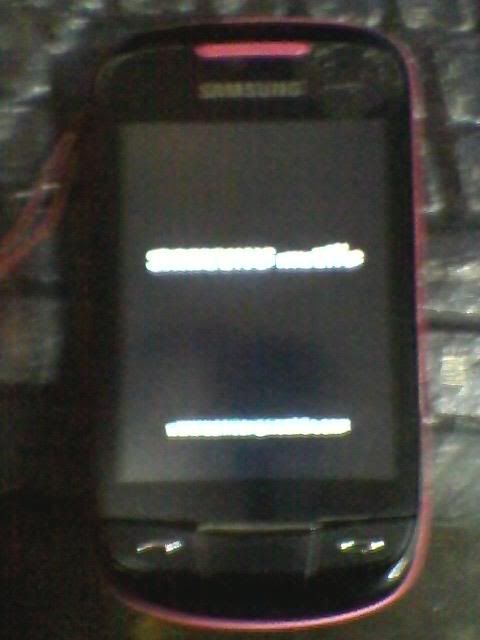
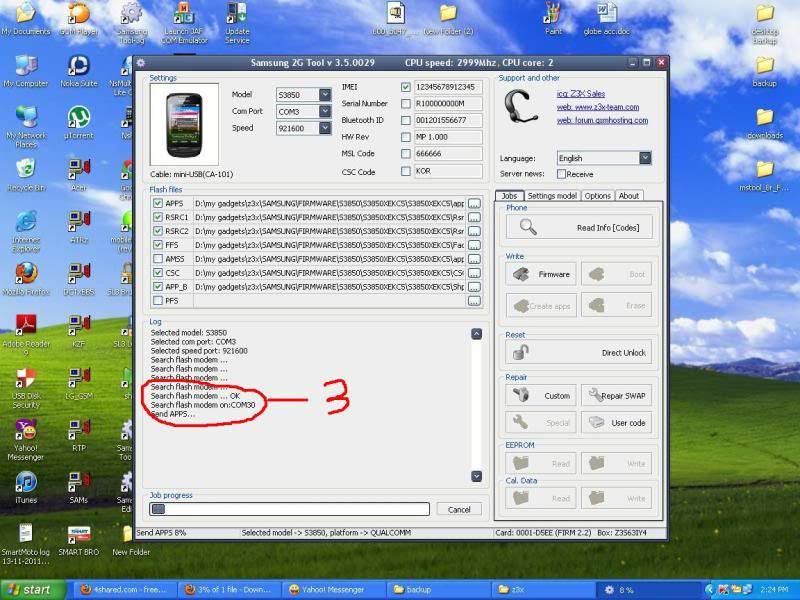
Samsung S3850 corby II AUTO RESTART DONE
Problem: Auto restart

Procedure:
1. Install samsung kies for driver auto detection
http://www.4shared.com/get/a7alKWR_/...1044_11_3.html
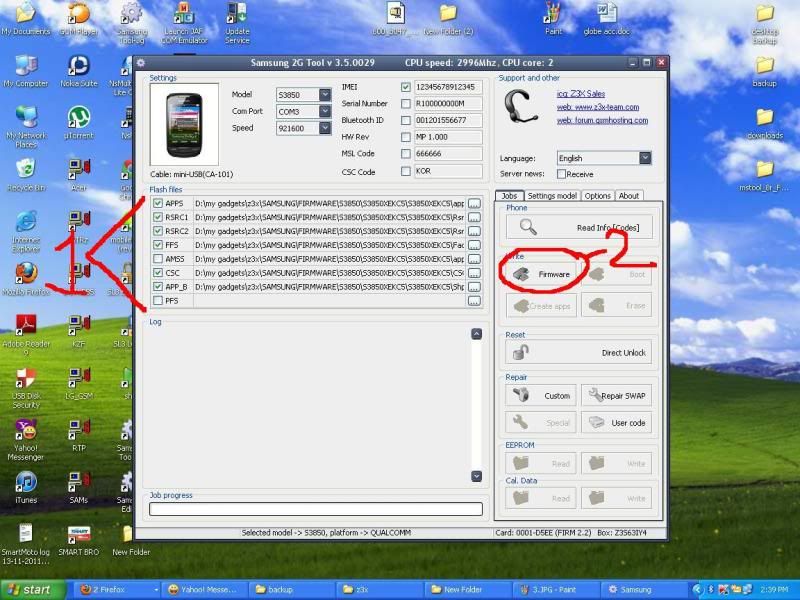
2. Open samsung 2g tool and load files

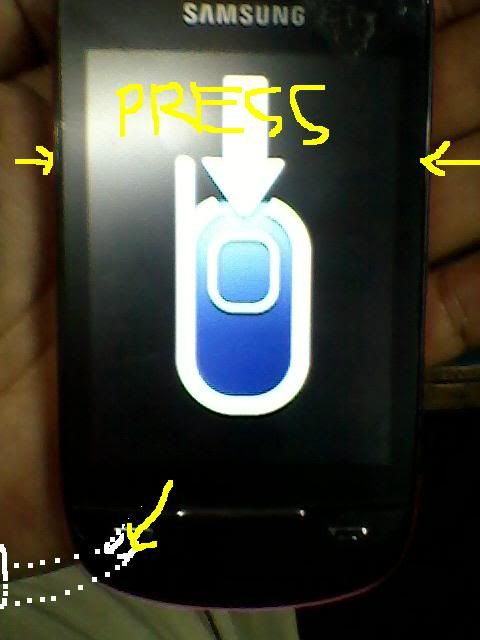
3. Set you phone into boot mode by pressing VOLUME DOWN + CALL + POWER

4. Insert cable and wait

5. Done


Procedure:
1. Install samsung kies for driver auto detection
http://www.4shared.com/get/a7alKWR_/...1044_11_3.html
2. Open samsung 2g tool and load files
3. Set you phone into boot mode by pressing VOLUME DOWN + CALL + POWER
4. Insert cable and wait
5. Done

Subscribe to:
Posts (Atom)