Showing posts with label Samsung Galaxy Y S5360. Show all posts
Showing posts with label Samsung Galaxy Y S5360. Show all posts
Sunday, November 3, 2013


Tuesday, October 15, 2013
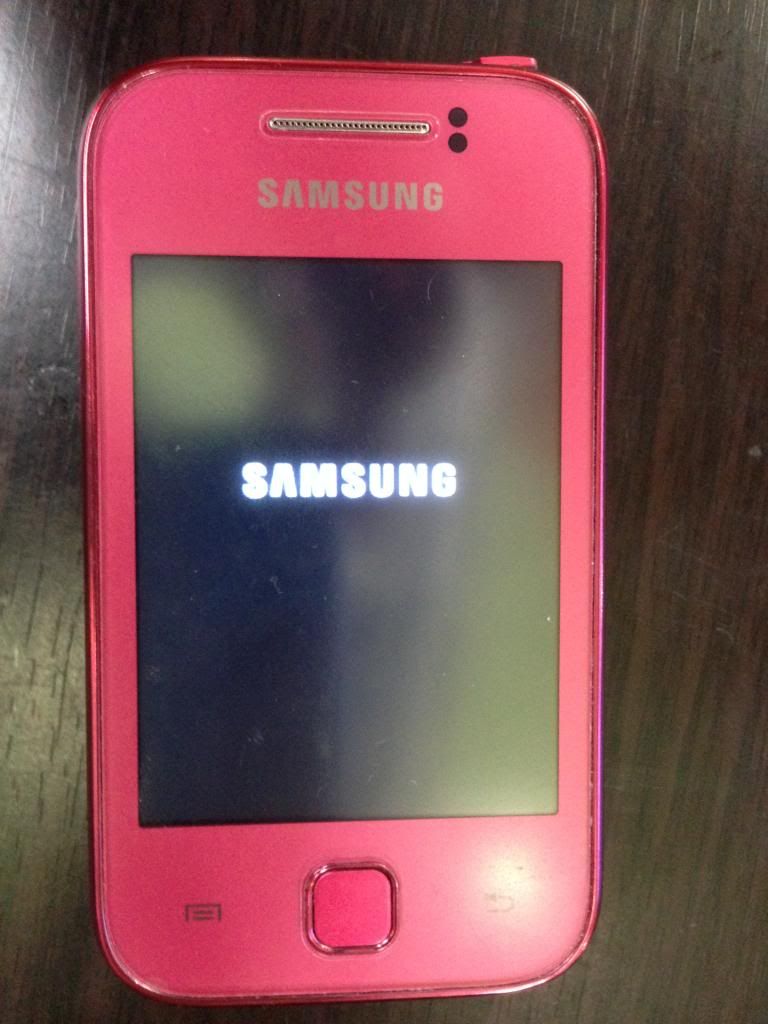
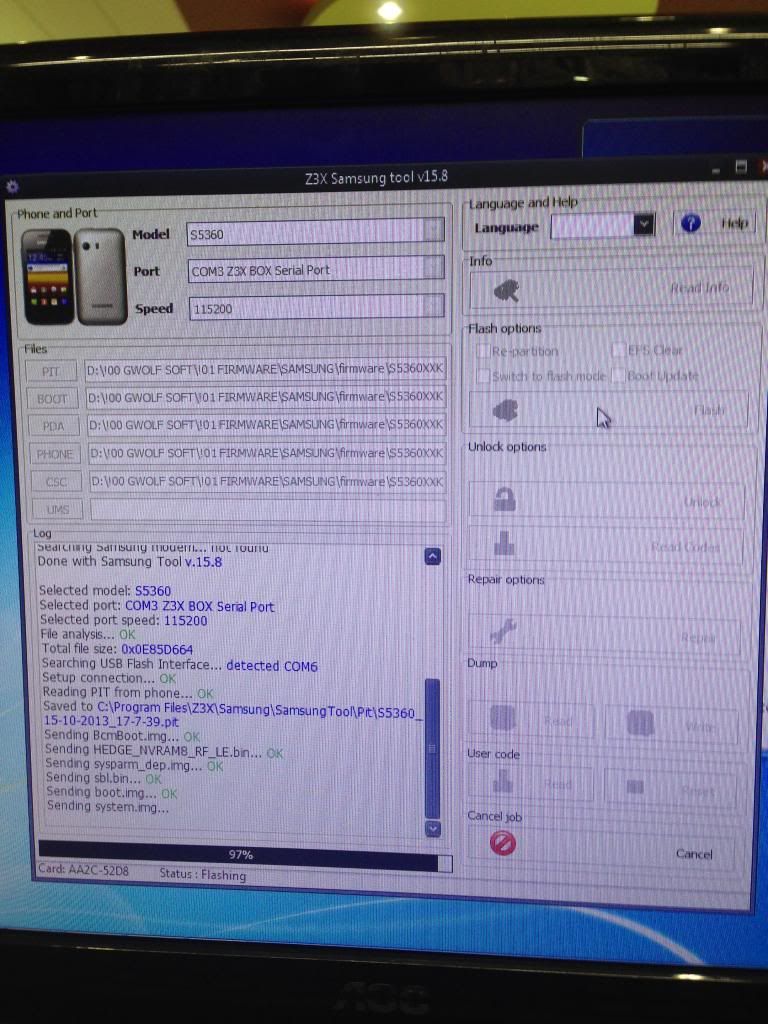
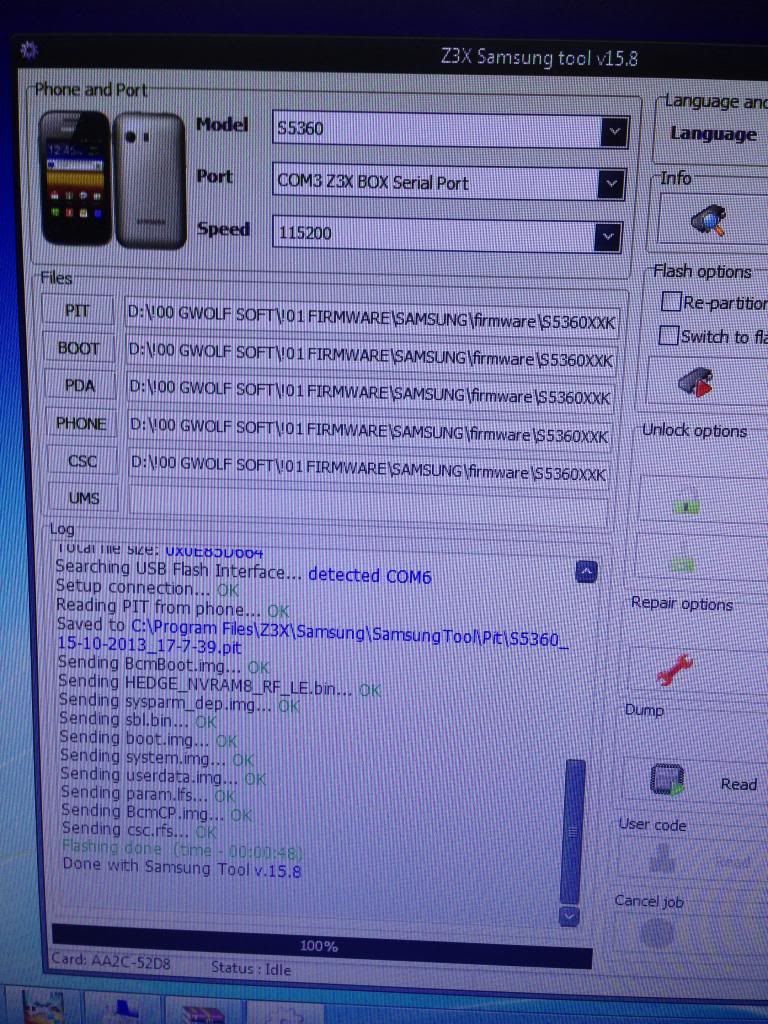
Samsung Galaxy Y S5360 hang on logo (no luck in hard reset) done by Z3X
Galaxy Y paulit ulit lng s logo.

I tried hard reset 2x pero no luck so diretso s flashing.
E2 po procedures n ginawa ko:
1. First switch on the phone then connect to PC to install the drivers.
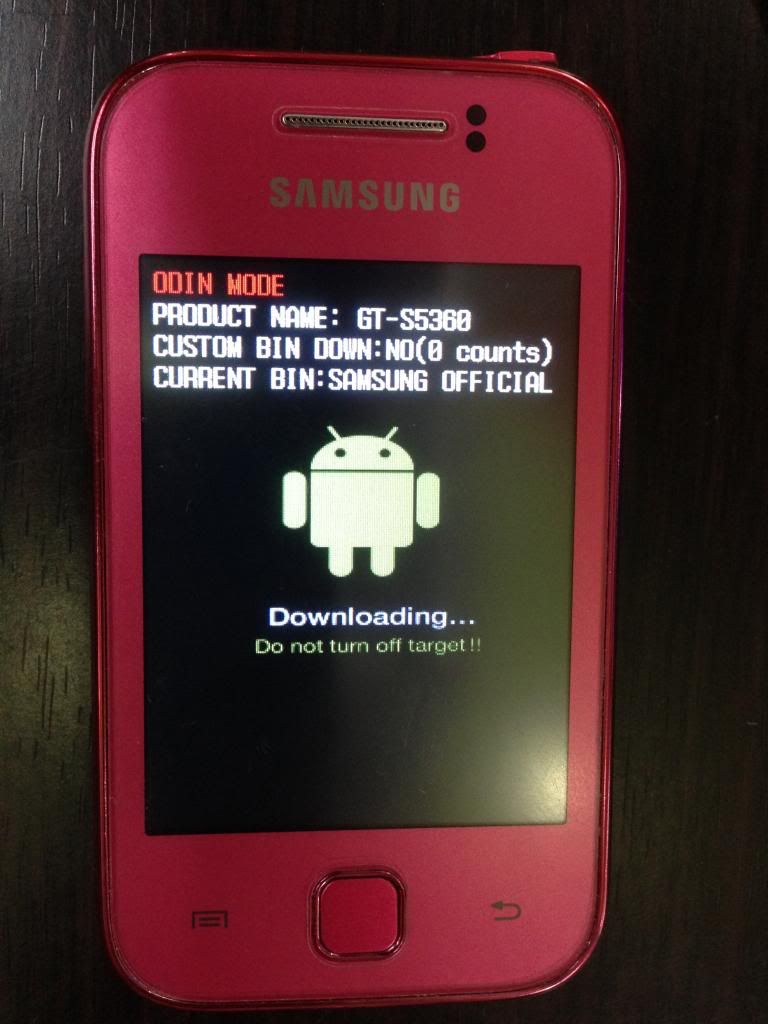
2. Set the unit to Odin Mode. Off muna phone then press vol- and power button together then realease when message pop-up and press vol+.

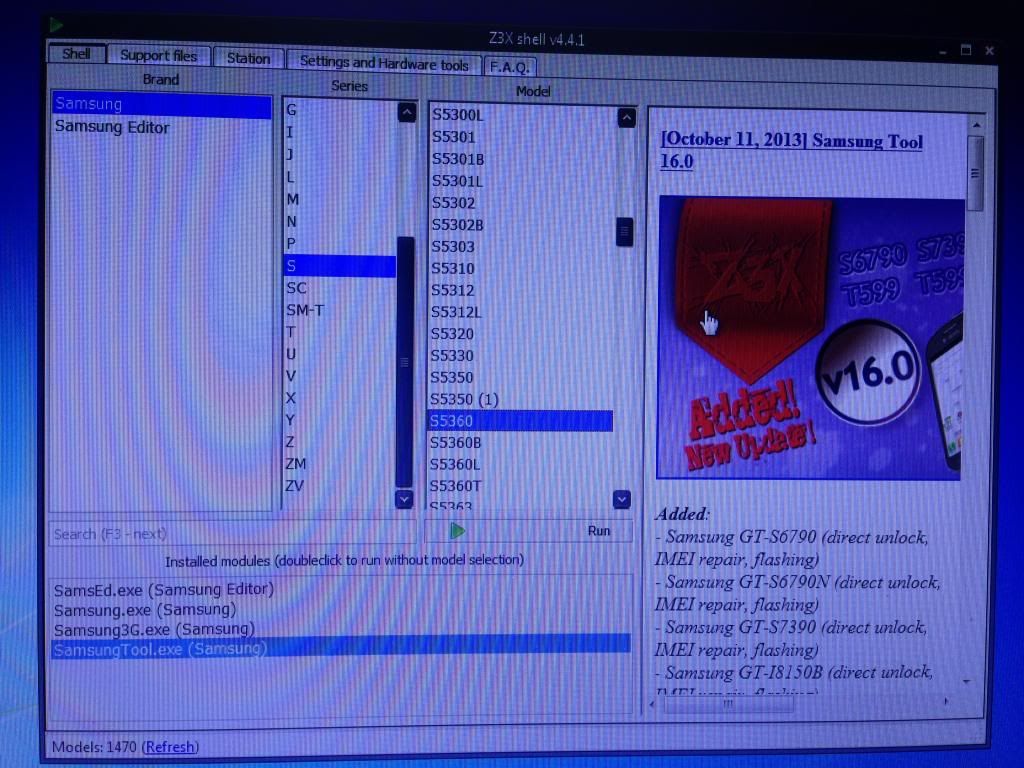
3. Open Z3X Shell and select S5360 then click Run.

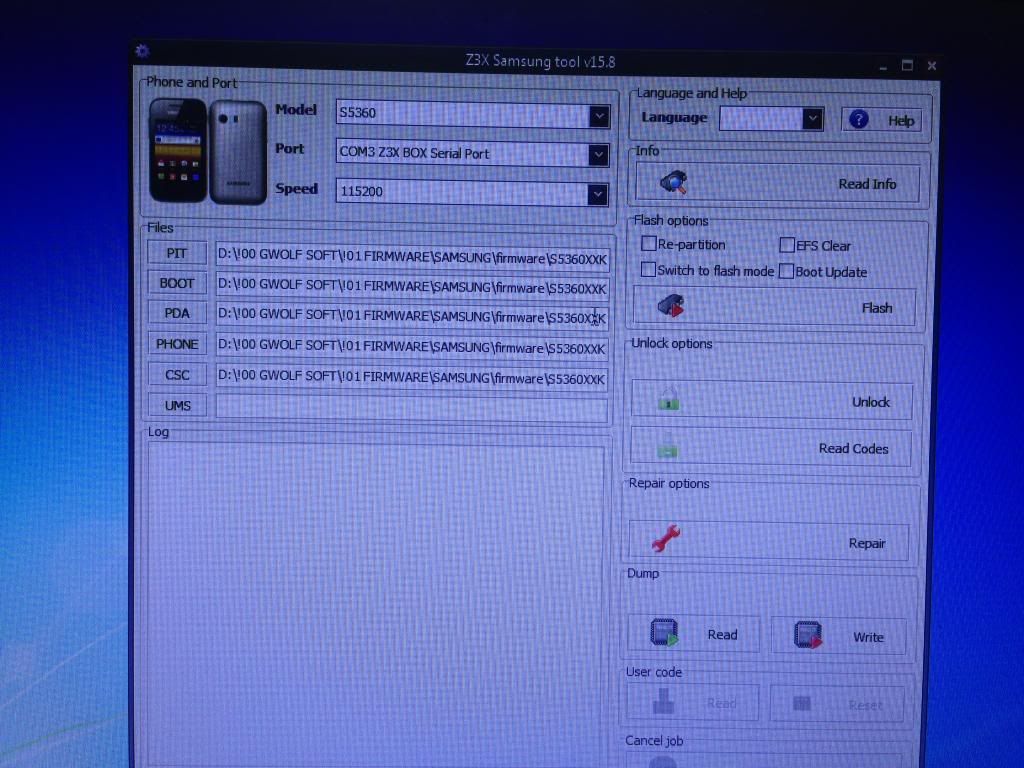
4. Insert the necessary files (madodownload po yan s support).

5. Connect the unit then click Flash and wait until 100%. (takes less than a minute)


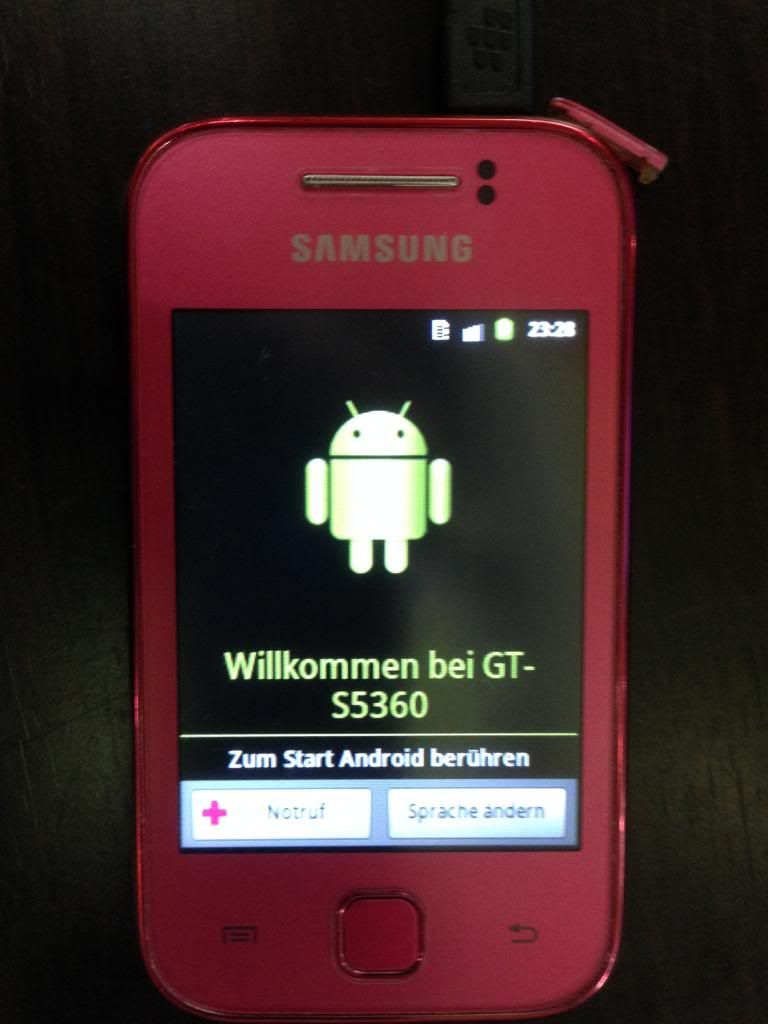
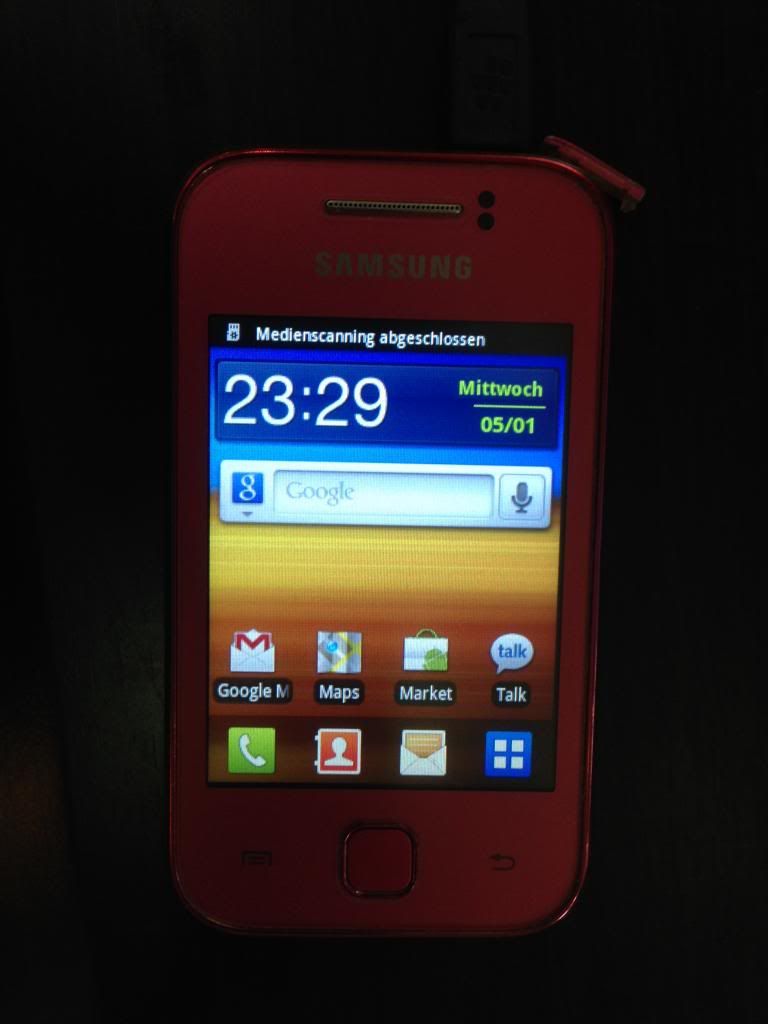
6. Phone will restart and DONE!


7. Pag iba po ang language i-set n lng s Settings.
Monday, October 14, 2013


Friday, August 23, 2013
Samsung Galaxy y s5360 hang in logo and restart. done...by z3x
Try ko hard reset....... no luck.. restart parin.....
try ko i flash..
1st.

ito po cable gamit ko
2rd.
dapat naka ODIN MODE bago isaksak sa box ang cable.
press volume down+home botton and power on. and then contenue

3rd. select po ang mga files.

ito na po. kasalukuyang nagddownload ng file sa cp


ito na po ok. na

Sunday, July 21, 2013


Sunday, October 28, 2012
Samsung GALAXY Y (young) GT-S5360 Samsung logo only done via Odin
Samsung GALAXY Y (young) GT-S5360 Samsung logo only done via Odin

Status

Tools
Odin 1.85
File

1st Procedure Hard Reset but no lock
Press VOLUME UP + HOME + POWER and wait until the phone enter the Android System Recovery then select wipe date/factory reset & wipe cache partition


Procedure
1) Turn off your phone
2) Remove your SIM Card and SD Card
3) Extract previously downloaded firmware
4) Open ODIN 1.85 on your PC
5) Select from extracted archive: OPS-OPS, Bootloader, Phone-MODEM, PDA-CODE, CSC-CSC (leave EFS and One Package empty)

6) Connect your phone via USB into PC
7) When the screen is turned on hold POWER+VOLUME DOWN+HOME and wait until the phone enters the Download Mode

8) If ODIN detected and recognized your phone should light up the first square to the left side
9) Press “Start” button and wait, the process should take ~5 minutes


10) If all goes well your phone should reboot automatically
11) Square should change the color to blue and display “PASS” it means that flashing process was successful
Logs
My Finish Product


Status
Tools
Odin 1.85
File
1st Procedure Hard Reset but no lock
Press VOLUME UP + HOME + POWER and wait until the phone enter the Android System Recovery then select wipe date/factory reset & wipe cache partition
Procedure
1) Turn off your phone
2) Remove your SIM Card and SD Card
3) Extract previously downloaded firmware
4) Open ODIN 1.85 on your PC
5) Select from extracted archive: OPS-OPS, Bootloader, Phone-MODEM, PDA-CODE, CSC-CSC (leave EFS and One Package empty)
6) Connect your phone via USB into PC
7) When the screen is turned on hold POWER+VOLUME DOWN+HOME and wait until the phone enters the Download Mode
8) If ODIN detected and recognized your phone should light up the first square to the left side
9) Press “Start” button and wait, the process should take ~5 minutes
10) If all goes well your phone should reboot automatically
11) Square should change the color to blue and display “PASS” it means that flashing process was successful
Logs
Code:
<ID:0/018> Added!!
<OSM> Enter CS for MD5..
<OSM> Check MD5.. Do not unplug the cable..
<OSM> Please wait..
<OSM> DefaultCalDataWithBoot_S5360XXKI6_REV05.tar.md5 is valid.
<OSM> PDA_S5360XXKI6_REV05.tar.md5 is valid.
<OSM> MODEM_S5360XXKI6_REV05.tar.md5 is valid.
<OSM> GT-S5360-MULTI-CSC-OXXKI6.tar.md5 is valid.
<OSM> Checking MD5 finished Sucessfully..
<OSM> Leave CS..
<ID:0/018> Odin v.3 engine (ID:18)..
<ID:0/018> File analysis..
<ID:0/018> SetupConnection..
<ID:0/018> Initialzation..
<ID:0/018> Set PIT file..
<ID:0/018> DO NOT TURN OFF TARGET!!
<ID:0/018> Get PIT for mapping..
<ID:0/018> Firmware update start..
<ID:0/018> BcmBoot.img
<ID:0/018> NAND Write Start!!
<ID:0/018> HEDGE_NVRAM8_RF_LE.bin
<ID:0/018> sysparm_dep.img
<ID:0/018> Sbl.bin
<ID:0/018> boot.img
<ID:0/018> system.img
<ID:0/018> userdata.img
<ID:0/018> param.lfs
<ID:0/018> BcmCP.img
<ID:0/018> Transmission Complete..
<ID:0/018> Now Writing.. Please wait about 2 minutes
<ID:0/018> Receive Response form LOKE
<ID:0/018> csc.rfs
<ID:0/018> RQT_CLOSE !!
<ID:0/018> RES OK !!
<ID:0/018> Completed..
<OSM> All threads completed. (succeed 1 / failed 0)
<ID:0/018> Removed!!
Wednesday, October 17, 2012


Monday, October 15, 2012






Wednesday, August 1, 2012
galaxy Y S5360 no light done
una kong ginawa tester ko ang unit niya shorted palang konti
kaya try mona palit ng new LCD same paren walang ilaw naisip ko
baka sa shorted ung kaya walang ilaw ngaun nag
hanap akong diagrams
http://depositfiles.com/files/xcnzfdvq1
ito pla ang shorted

 |

ito na siya ngaun

|


|

Sunday, April 8, 2012
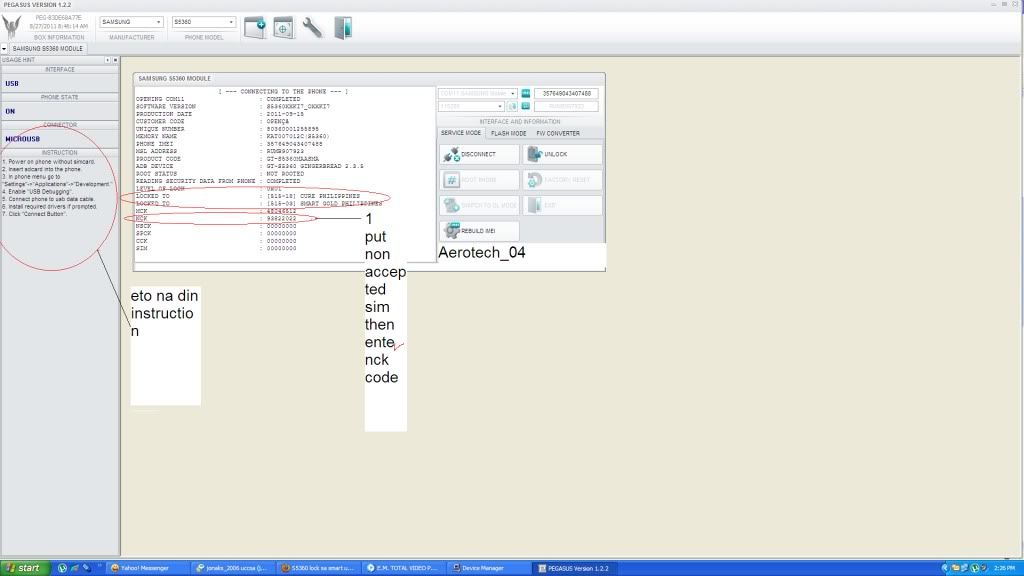
Samsung s5360 lock to smart unlock done sa pegasus
procedure:open pegasus software
:click exact model
:click create module
:click connect
: click root phone fallow instruction kasi hindi ko nakunan ng screen shot lahat
pagkatapos ma root click unlock done THEN INSERT NON-ACCEPTED SIM LIKE GLOBE THEN ENTER NCK CODE GAYA NG NASA PIC SA BABA...WALA AKO PICS NG PHONE KASI WALA PO CAMERA
LOGS:
[ --- DEBUG INFO --- ]
DATE AND TIME : 4/8/2012 2:24:41 PM
OS VERSION : WINDOWS XP PROFESSIONAL SERVICE PACK 2
APPLICATION`S VERSION : 1.2.2
SELECTED PHONE MODEL : SAMSUNG S5360
SELECTED DEVICE : COM11
[ --- CONNECTING TO THE PHONE --- ]
OPENING COM11 : COMPLETED
SOFTWARE VERSION : S5360XXKI7_OXXKI7
PRODUCTION DATE : 2011-09-15
CUSTOMER CODE : OPENÇâ
UNIQUE NUMBER : 80360001255895
MEMORY NAME : KAT007012C(S5360)
PHONE IMEI : 357649043407488
MSL ADDRESS : RUMB907923
PRODUCT CODE : GT-S5360MAASMA
ADB DEVICE : GT-S5360 GINGERBREAD 2.3.5
ROOT STATUS : NOT ROOTED
READING SECURITY DATA FROM PHONE : COMPLETED
LEVEL OF LOCK : 0x01
LOCKED TO : [515-18] CURE PHILIPPINES
LOCKED TO : [515-03] SMART GOLD PHILIPPINES
MCK : 48046512
NCK : 93822022
NSCK : 00000000
SPCK : 00000000
CCK : 00000000
SIM : 00000000

:click exact model
:click create module
:click connect
: click root phone fallow instruction kasi hindi ko nakunan ng screen shot lahat
pagkatapos ma root click unlock done THEN INSERT NON-ACCEPTED SIM LIKE GLOBE THEN ENTER NCK CODE GAYA NG NASA PIC SA BABA...WALA AKO PICS NG PHONE KASI WALA PO CAMERA
LOGS:
[ --- DEBUG INFO --- ]
DATE AND TIME : 4/8/2012 2:24:41 PM
OS VERSION : WINDOWS XP PROFESSIONAL SERVICE PACK 2
APPLICATION`S VERSION : 1.2.2
SELECTED PHONE MODEL : SAMSUNG S5360
SELECTED DEVICE : COM11
[ --- CONNECTING TO THE PHONE --- ]
OPENING COM11 : COMPLETED
SOFTWARE VERSION : S5360XXKI7_OXXKI7
PRODUCTION DATE : 2011-09-15
CUSTOMER CODE : OPENÇâ
UNIQUE NUMBER : 80360001255895
MEMORY NAME : KAT007012C(S5360)
PHONE IMEI : 357649043407488
MSL ADDRESS : RUMB907923
PRODUCT CODE : GT-S5360MAASMA
ADB DEVICE : GT-S5360 GINGERBREAD 2.3.5
ROOT STATUS : NOT ROOTED
READING SECURITY DATA FROM PHONE : COMPLETED
LEVEL OF LOCK : 0x01
LOCKED TO : [515-18] CURE PHILIPPINES
LOCKED TO : [515-03] SMART GOLD PHILIPPINES
MCK : 48046512
NCK : 93822022
NSCK : 00000000
SPCK : 00000000
CCK : 00000000
SIM : 00000000
|
Subscribe to:
Posts (Atom)