Showing posts with label BlackBerry Z10. Show all posts

Monday, October 14, 2013

Blackberry z10 No power and Shorted Problem Solution


History :

- wala talagang power ng dumating ,,, at hindi rin nag cha charge ....,,,

- test battery wala talaga kahit red blink .....

- dahil mapera si arabo ,,,, wala ng masyadong usapan pa ......,, basta mabuhay lang ,,

- First binuksan ko ang unit


Tester ko nga ,,, me konting short .... ,, ,, tsk tsk ,, paktay na baka PM IC na naman to ,,
lkadalasan sira ng mga blackberry ,,, observe muna kinuha ko si lente baka nga me konting basa ..,,

- Yun ohhh meron nga ,, kaya siguro shorted ,,,


- Next move syempre cleaning ,,,, tester uli ,, uy wala na short ,, sabay kasa ng unit ,,, testing..... SAD to say no luck still no power .... at hindi pa rin nag nag cha charge ..,

- Next step lagay ng FLUX REHEAT .. lahat ng part malapit sa paligid ng connector ,, at pati mismo un cable connector ,, linis at reheat sa ilalaim ng cable para kumulo un connector at mawala ang COLD SOLDER para wala ng kawala ...
.

SWITCH ,, ,,,, HEADPHONE CABLE


Kasa uli ng unit then TESTING di na ako binigo ,,, nakuha sa tiyaga ,, DONE


Tuesday, October 1, 2013

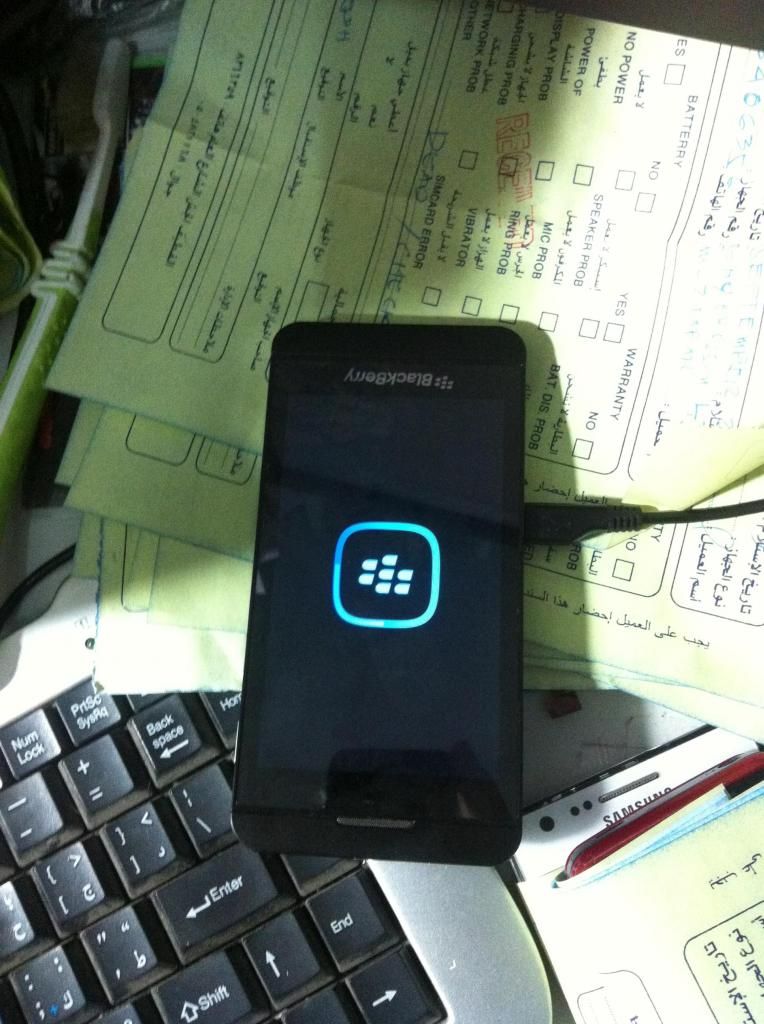
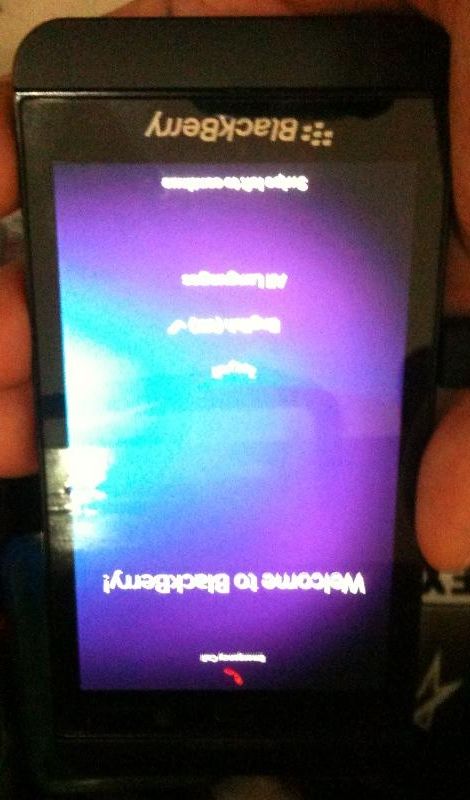
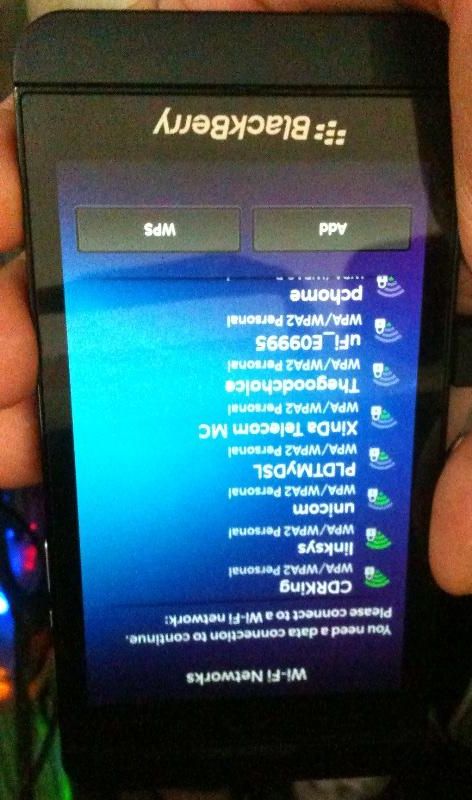
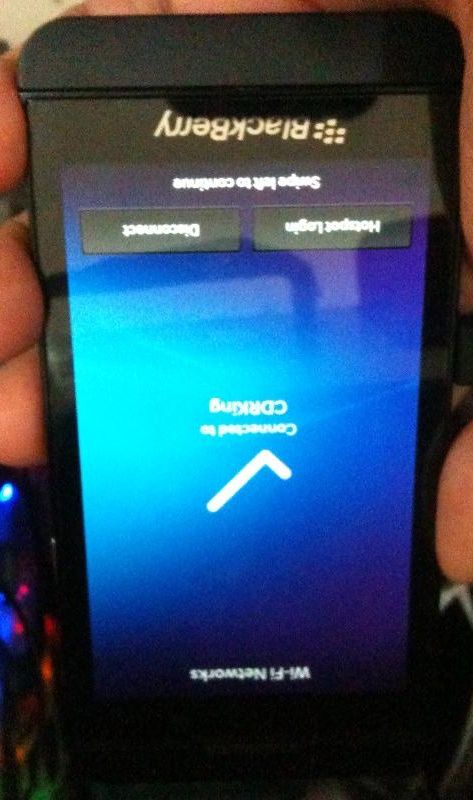
Blackberry Z10 STL100-1 hang on recovery or connect to pc only done


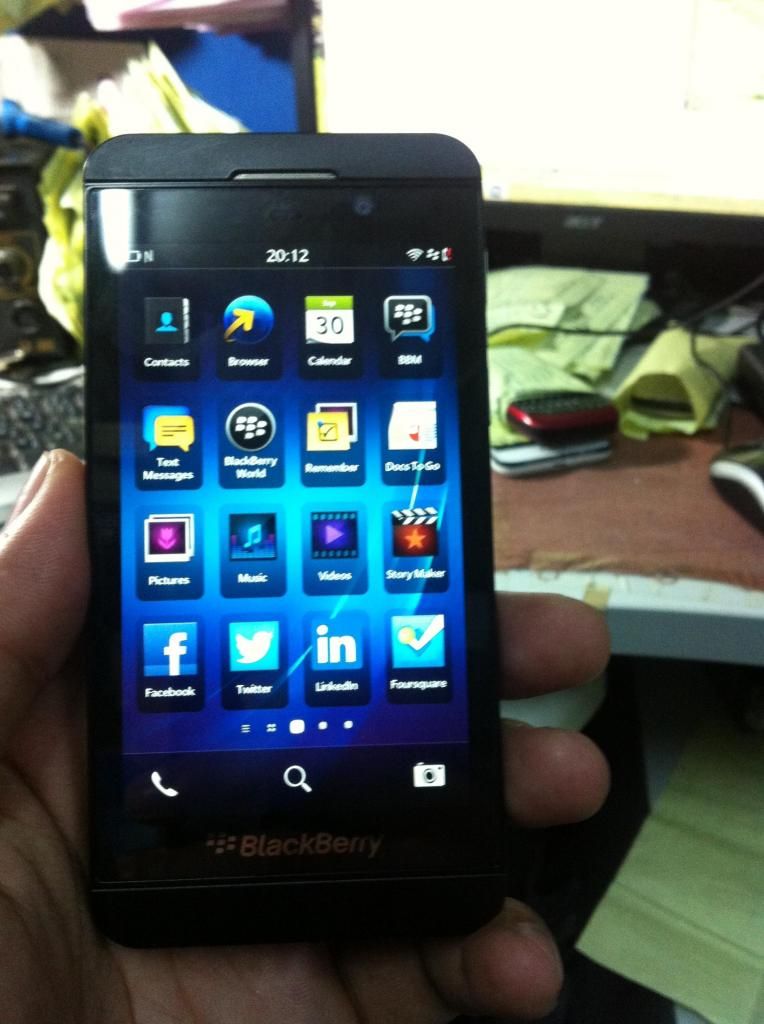
here is the picture..
Tools:
Dev Alpha
Procedure:
Procedure;
Turn off your BlackBerry

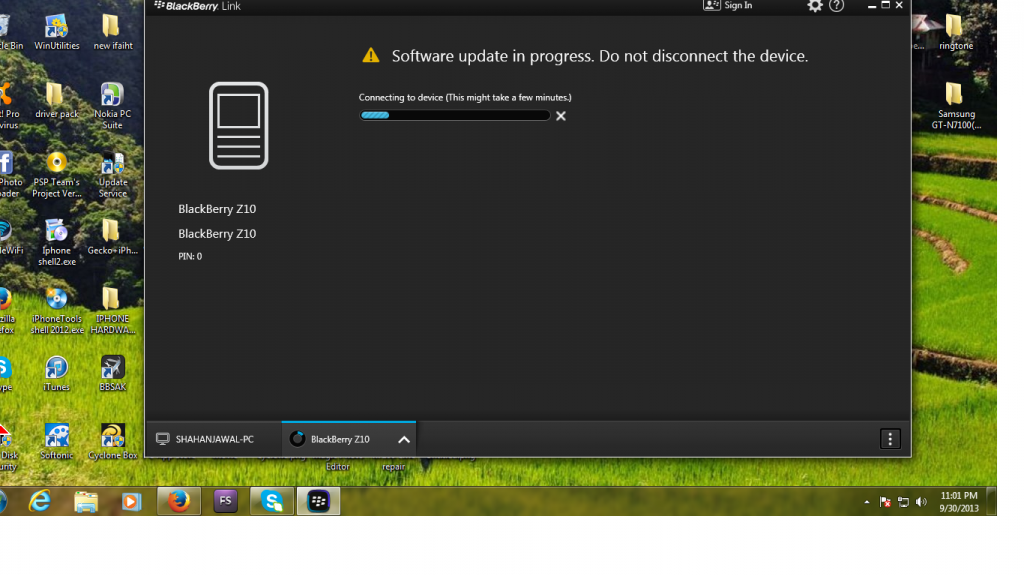
Run the downloaded Autoloader file.

When prompt shows “Connecting to Bootrom”, connect your device to your computer and turn it on.

If you have a password set on your device, type your password when prompted.

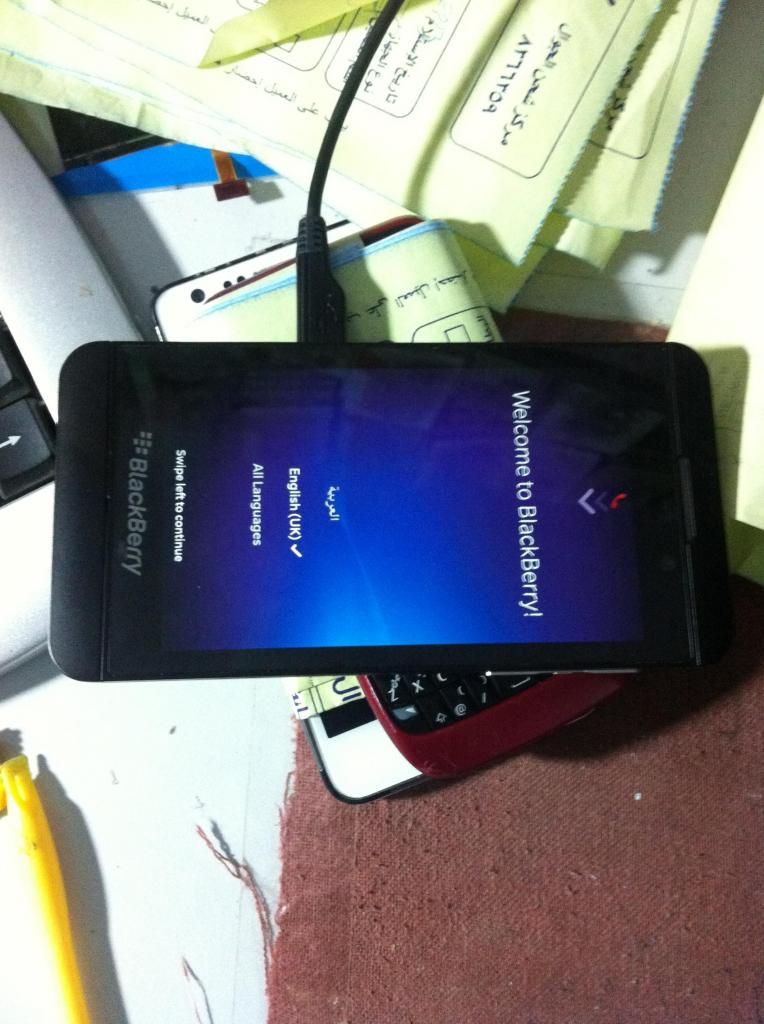
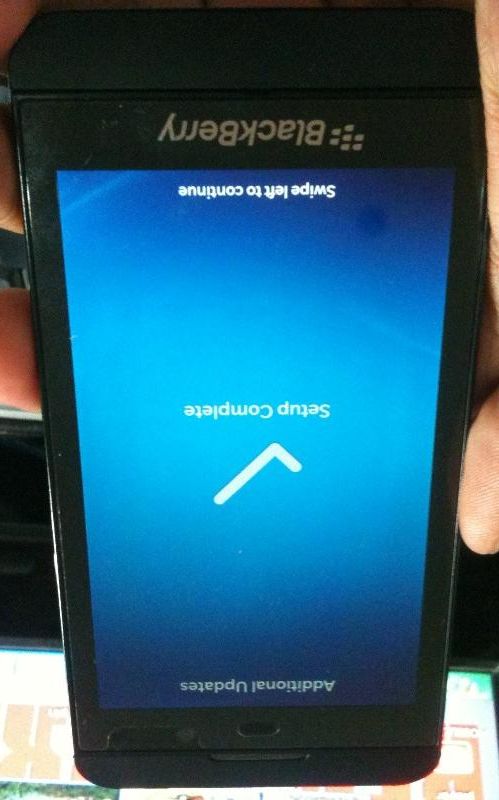
After your device restarts, complete the set up wizard.


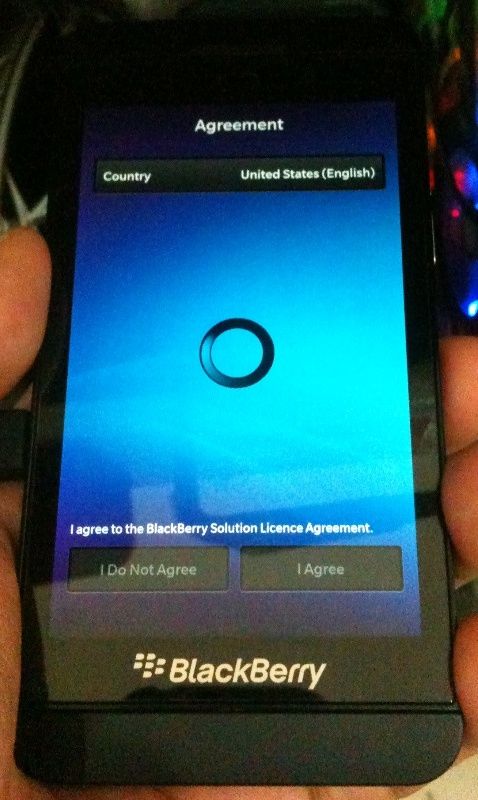
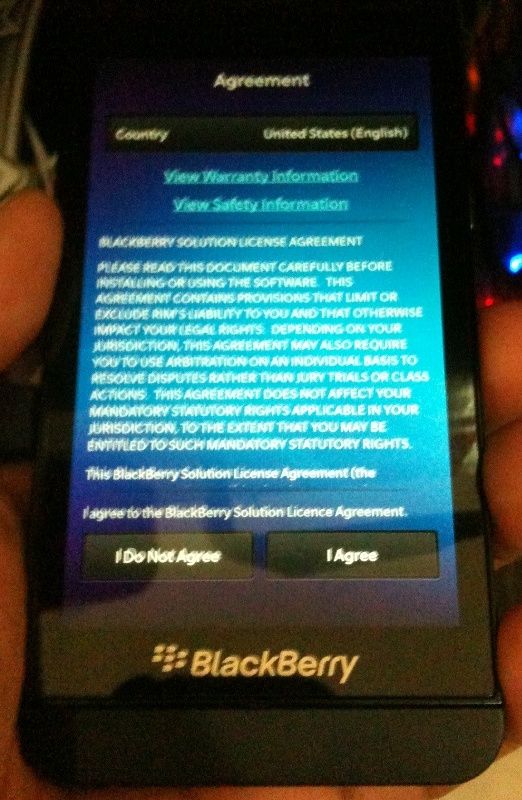
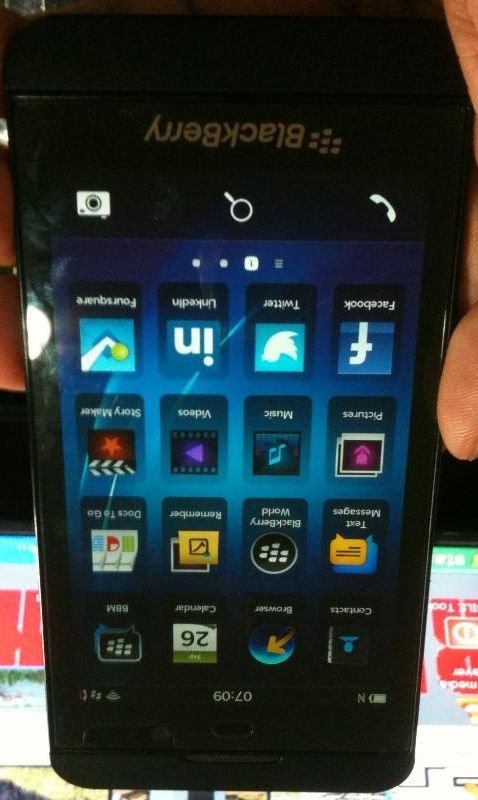
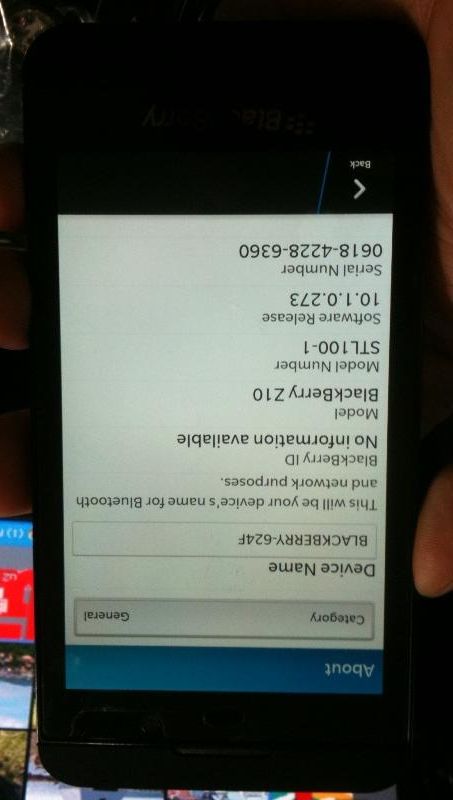
and here is the finish product success..


Thursday, September 26, 2013

BlackBerry Z10 (STL100-1) Enter Device Password done


BlackBerry Z10 (STL100-1) Enter Device Password done


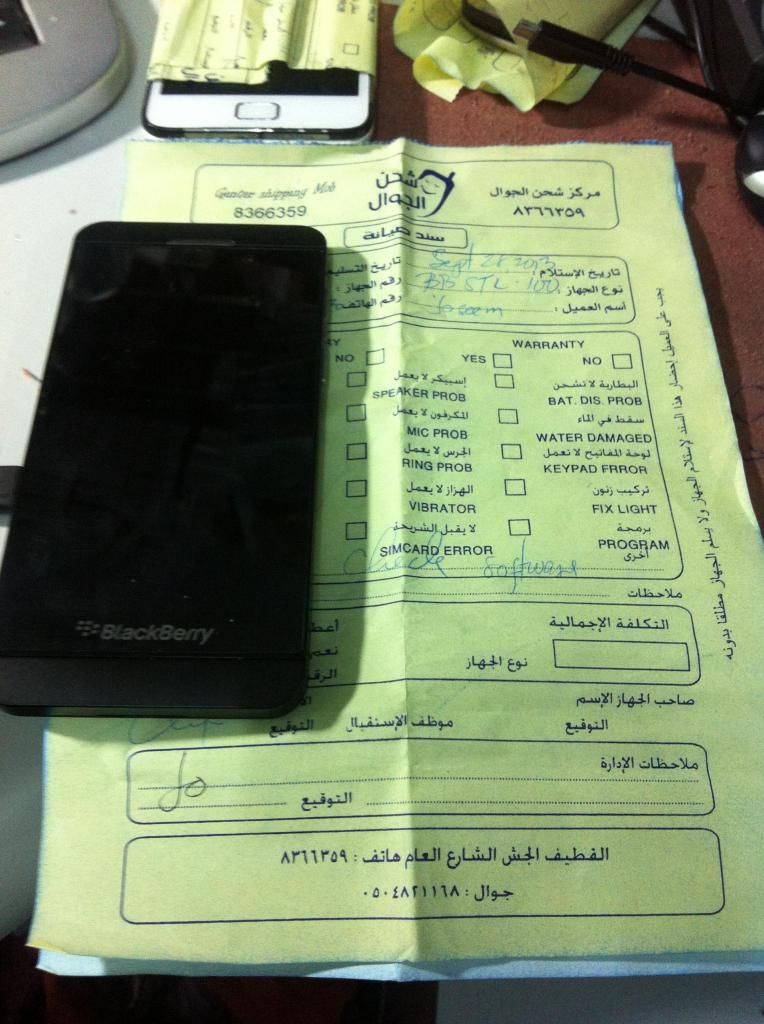
History: dinala ni costumer may password at nakailang try

na sila pero ayaw na pumasok ng password nila...


Action Taken: wipe data, same procedure ng ibang blackberry

unit, enter 10 times Blackberry hanggang matapos ang

10 tries at automatic sya magrereset...


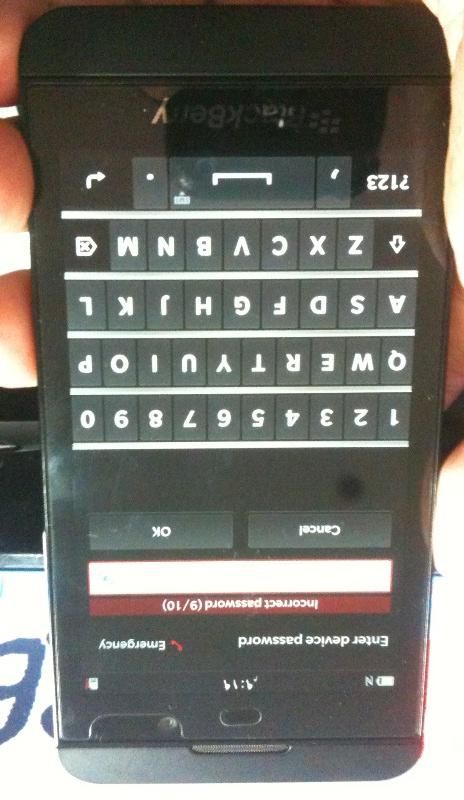
Screenshot:


ganito sya nung una


Enter Blackberry 10 Times hanggang maubos yung 10 tries

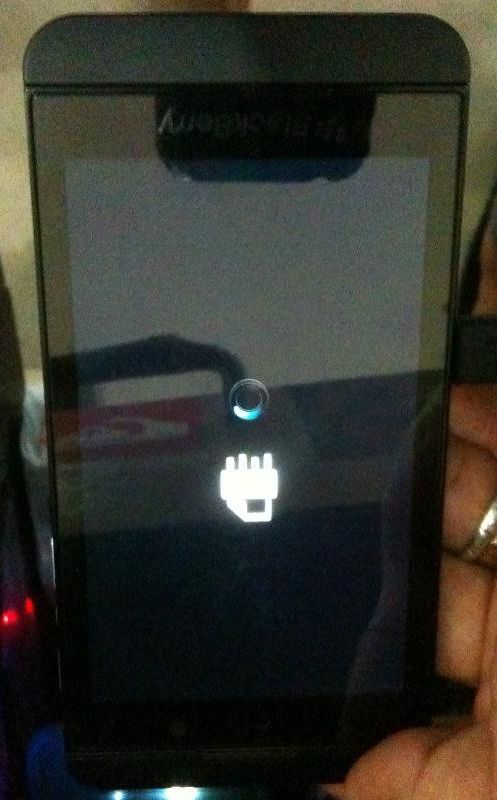
after nun magrereboot ang unit ng ganito


wait nyo matapos ito, medyo may katagalan mga 10-15 minutes

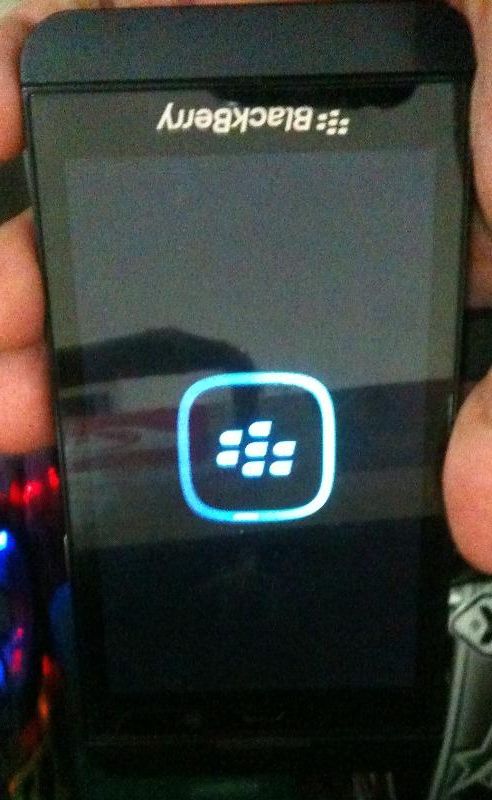
after matapos magrereboot uli ang unit ng ganito


at magtutuloy na yan sa Menu...


Need nyo ng Wifi Connection dito sa part na ito


connect to wifi after nyan tuloy tuloy na sa settings


swipe nyo lang hanggang matapos ang set-up


Done...


Finish Product: