Tuesday, January 28, 2014
Friday, January 24, 2014
Saturday, January 18, 2014
Torque droidz match tv password locked [done]
Torque Droidz Match TV password locked done..


first action:format using GPG DRAGON
result:success, but hung or stuck lock menu

result after format with GPG DRAGON:

second action: format via VOLCANO BOX
PROCEDURE: OPEN VOLCANO EXE
TICK SPD TAB
SELECT BUILT-IN BOOT_14(6829/8810)
READ INFO
FORMAT

I ALSO TRY BACK UP AS IF MAIBABALIK ANG BACK UP

FORMATTING

RESULT


first action:format using GPG DRAGON
result:success, but hung or stuck lock menu
result after format with GPG DRAGON:
second action: format via VOLCANO BOX
PROCEDURE: OPEN VOLCANO EXE
TICK SPD TAB
SELECT BUILT-IN BOOT_14(6829/8810)
READ INFO
FORMAT
I ALSO TRY BACK UP AS IF MAIBABALIK ANG BACK UP
FORMATTING
RESULT
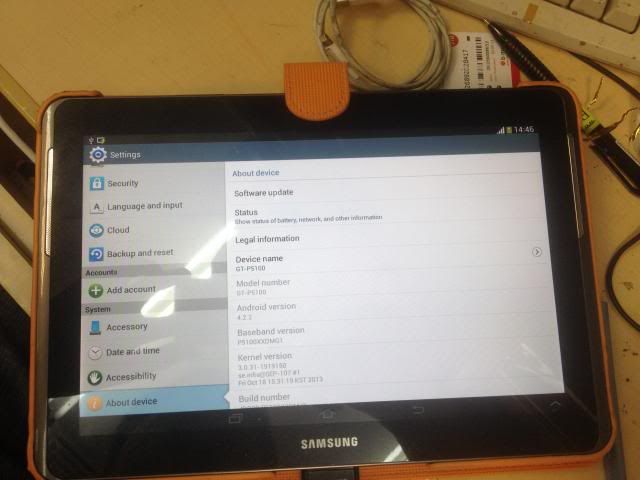
Samsung Tab 2 P5100 v. 4.0.4 succesfully upgraded to 4.2.2
TAB 2 P5100 V. 4.0.4 SUCCESFULLY UPGRADED TO 4.2.2 !!
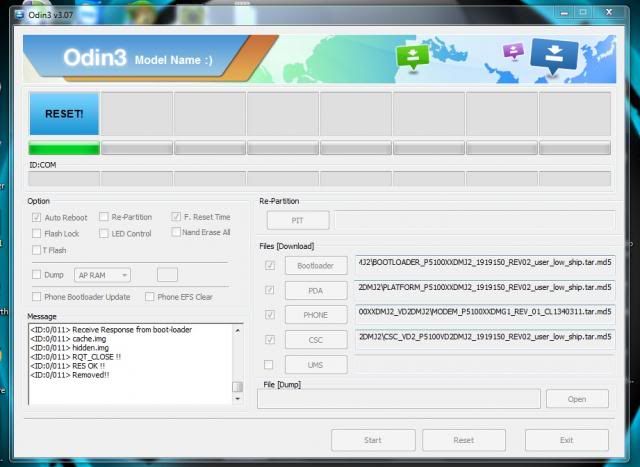
flashing in odin..
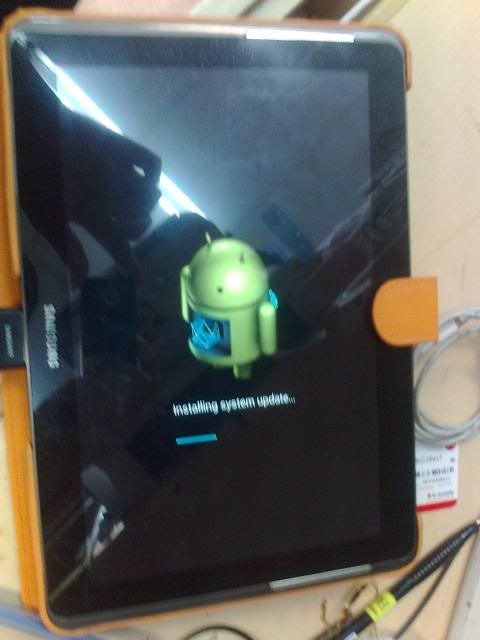
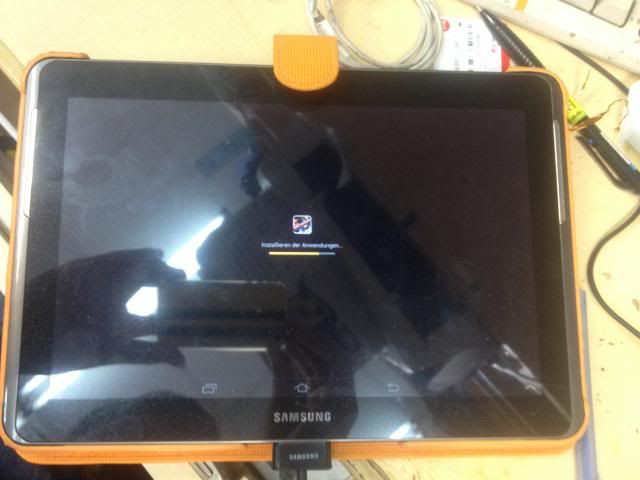
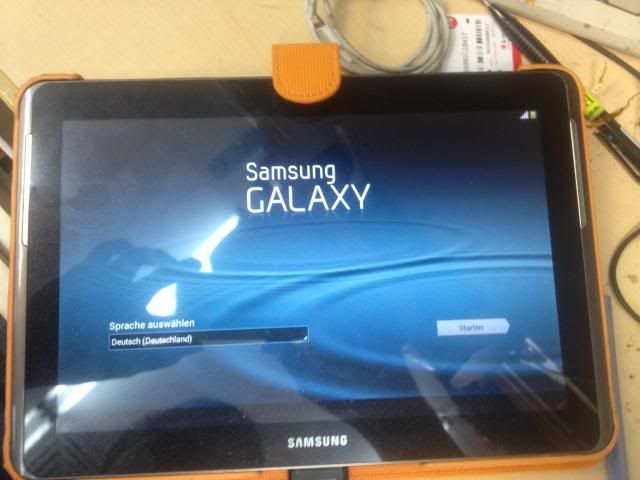
after
download this tested firmware 4.2.2 1st
Procedure:
Procedure:
Quote:
|
1.Boot the Galaxy Tab 2 device into Download Mode 2.open odin v.3.07 and load flash file bootloader -- BOOTLOADER_P5100XXDMJ2_1919150_REV02_user_low_ship .tar pda tab --PLATFORM_P5100XXDMJ2_1919150_REV02_user_low_ship.t ar phone tab --MODEM_P5100XXDMG1_REV_01_CL1340311.tar csc tab--CSC_VD2_P5100VD2DMJ2_1919150_REV02_user_low_ship.t ar 3.wait until finish 4.done |
flashing in odin..
after
ALCATEL one touch 993D TMPA..
1.Press the volume up key and the Power key at the same time for a few seconds until you see the reset interface..
2., then long press “√” to start “factory reset” .Then the mobile will power on automatically.
2., then long press “√” to start “factory reset” .Then the mobile will power on automatically.
fresh cold ice 350e too many pattern done
ganito: press vol down then power (wait ninyo lumabas logo,mga 15sec)
lalabas logo ng cloudfone in yellow background
if hindi lumabas option to wipe
ito gawin ninyo
after lumabas ng logo ng cloudfone:
press vol down 2x then power
next press vol down then power
wait for at-least 10sec
then press power button
wait for phone to restart
and BOOOM pera na
lalabas logo ng cloudfone in yellow background
if hindi lumabas option to wipe
ito gawin ninyo
after lumabas ng logo ng cloudfone:
press vol down 2x then power
next press vol down then power
wait for at-least 10sec
then press power button
wait for phone to restart
and BOOOM pera na
Canon iP2770 new reseter (TESTED)
Procedure:
1. Turn off the printer without pulling the power cords.
2. Hold down Resume button and press Power button.
3. Keep holding down Power button and let Resume button go.
4. Then Press Resume button 5 times then let BOTH buttons go.
5. You will notice that the Alternate Blinking error is gone, this means that the printer is in Service Mode state.
Using service tool:
1. Click set in Main Tab

2. Click EEPROM in Main Tab

Download Service Tool
1. Turn off the printer without pulling the power cords.
2. Hold down Resume button and press Power button.
3. Keep holding down Power button and let Resume button go.
4. Then Press Resume button 5 times then let BOTH buttons go.
5. You will notice that the Alternate Blinking error is gone, this means that the printer is in Service Mode state.
Using service tool:
1. Click set in Main Tab
2. Click EEPROM in Main Tab
Download Service Tool